Real tennis scoring
Track 0–15–30–40, deuce, advantage, games, sets, and tie-breaks automatically with large tappable score cards.
Tennis Score Wizard turns Apple Watch into a fast tennis scoreboard for real matches. Track points, games, sets, tie-breaks, serve position, workout time, live heart rate, match history, and automatic post-match stats directly from your wrist.
Download on the App StoreA watch-first scoring flow for players who need quick controls, correct tennis rules, useful history, and clear post-match insight.
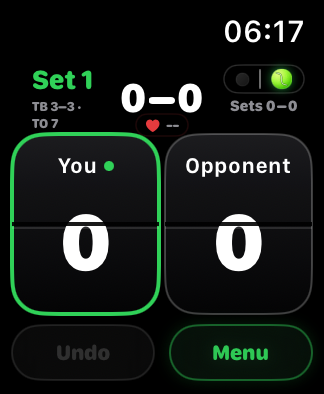
Track 0–15–30–40, deuce, advantage, games, sets, and tie-breaks automatically with large tappable score cards.
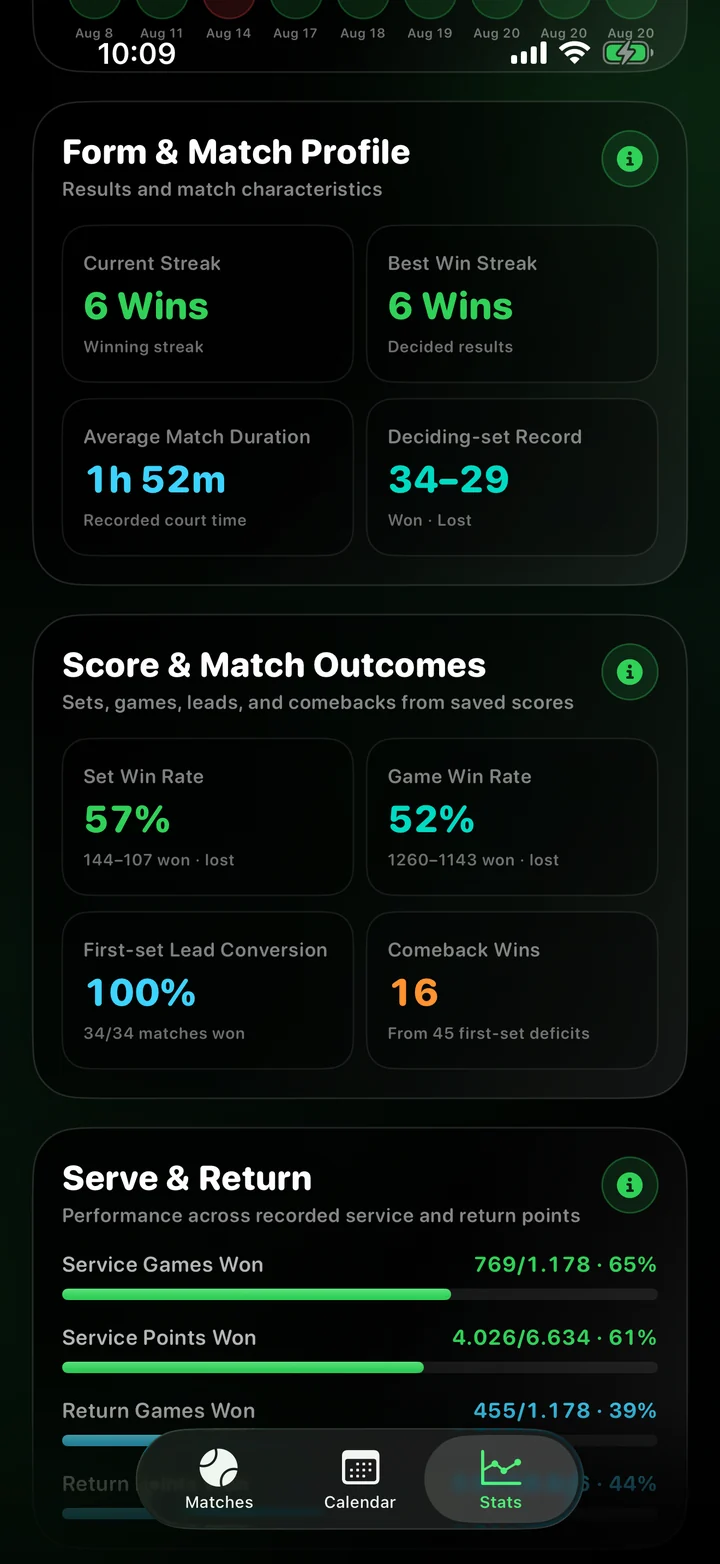
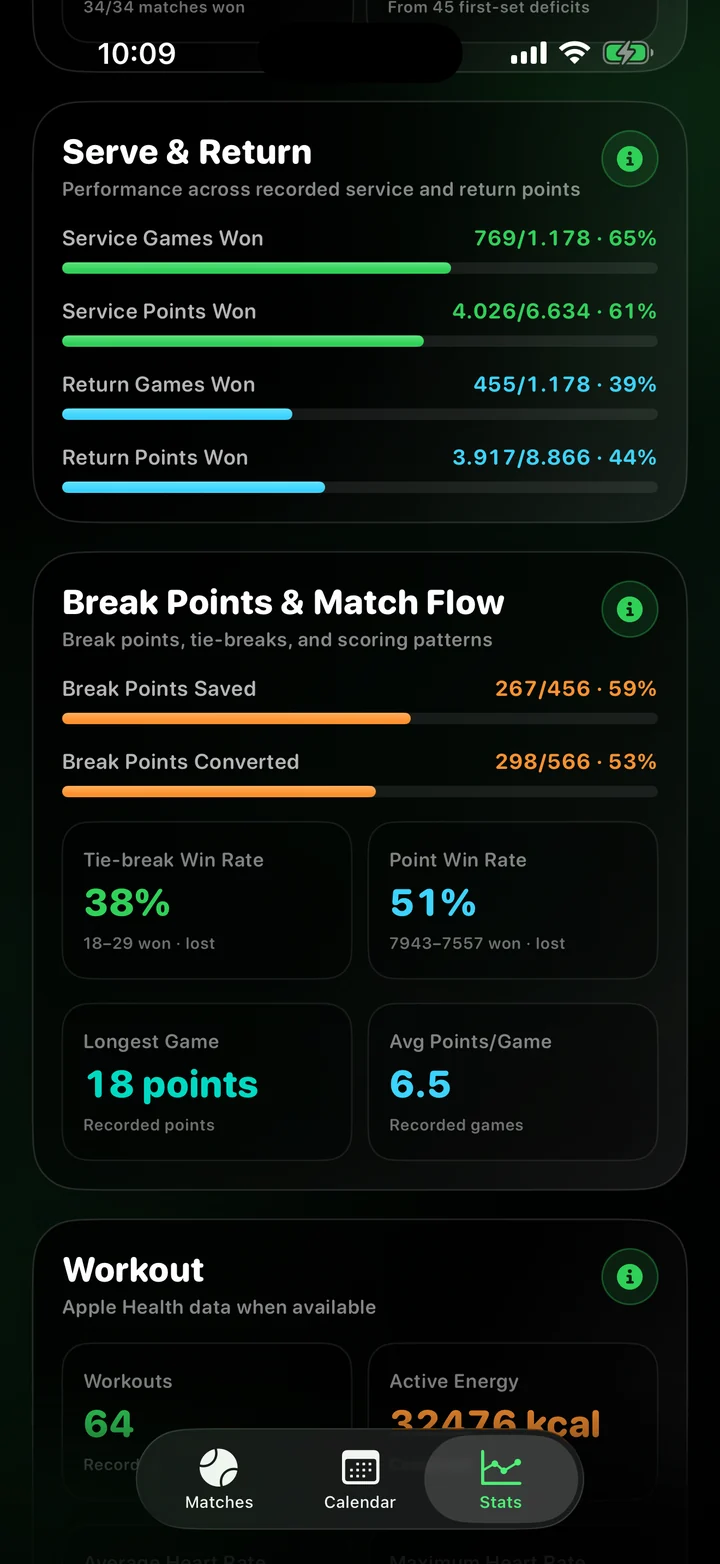
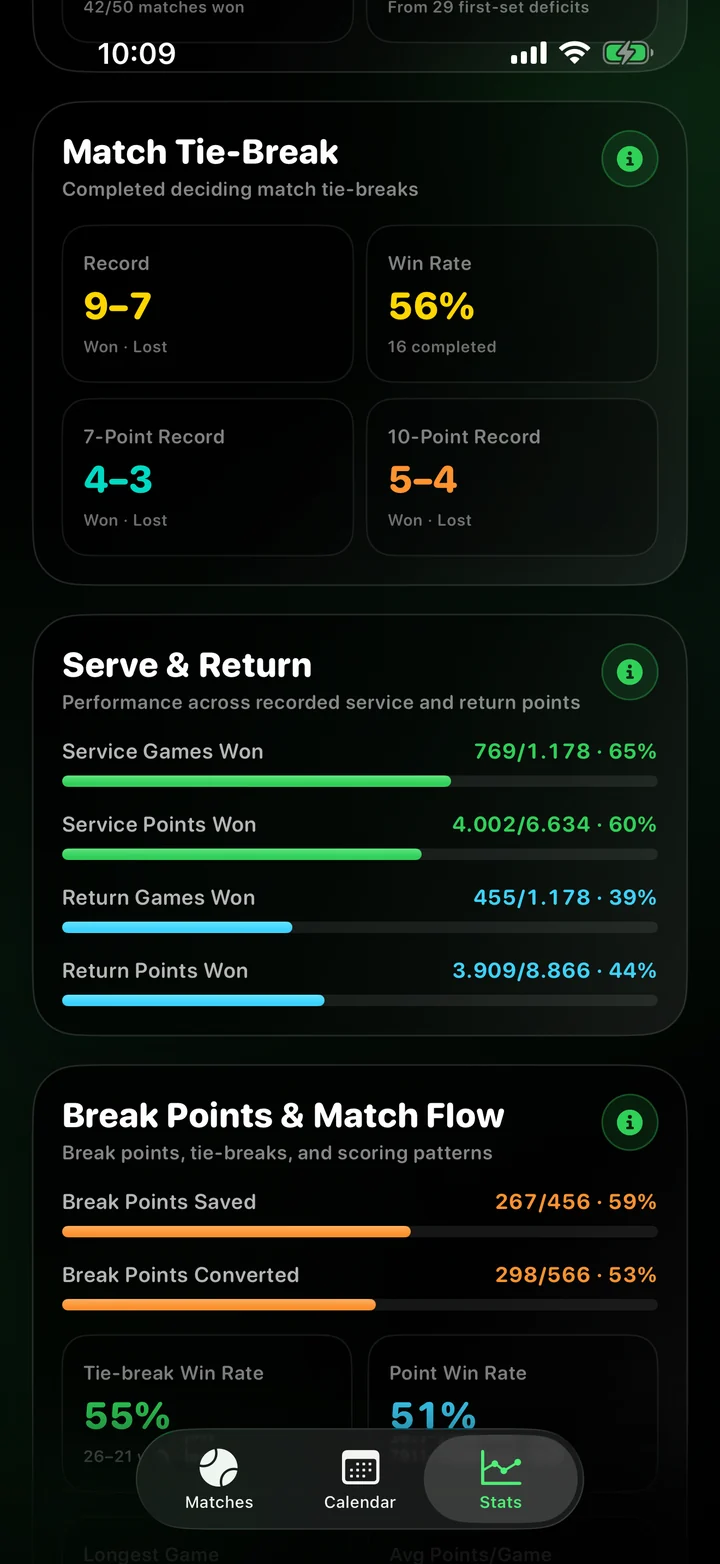
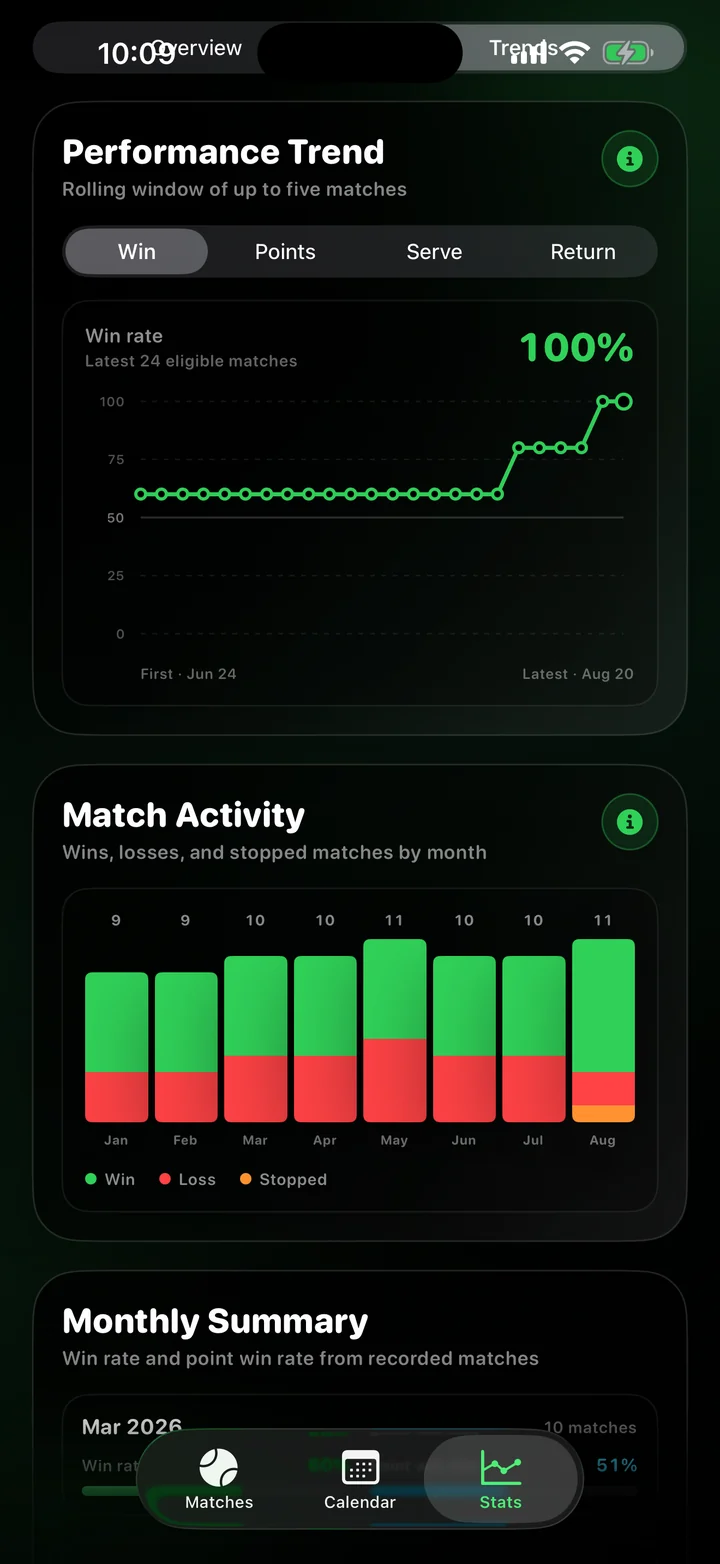
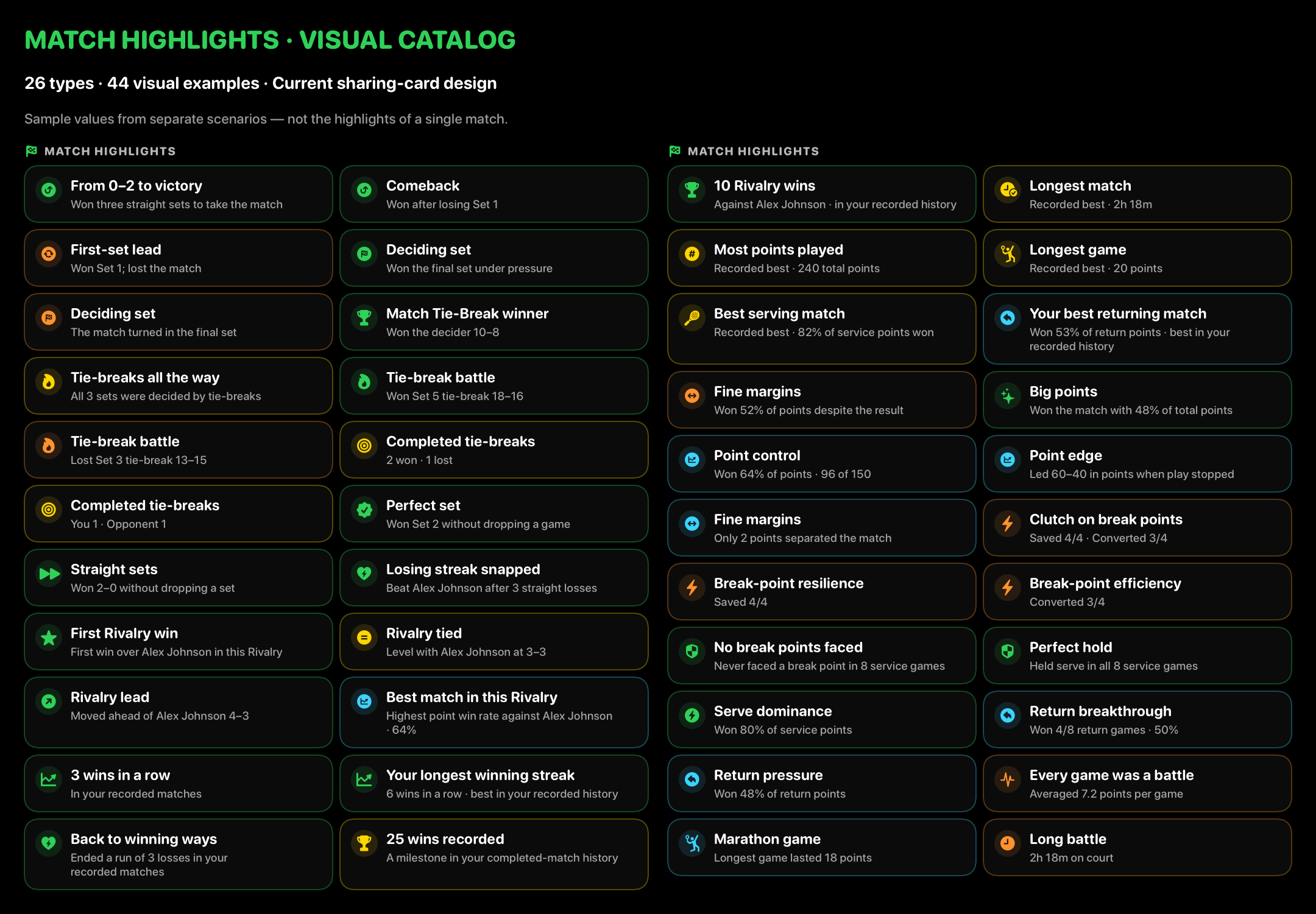
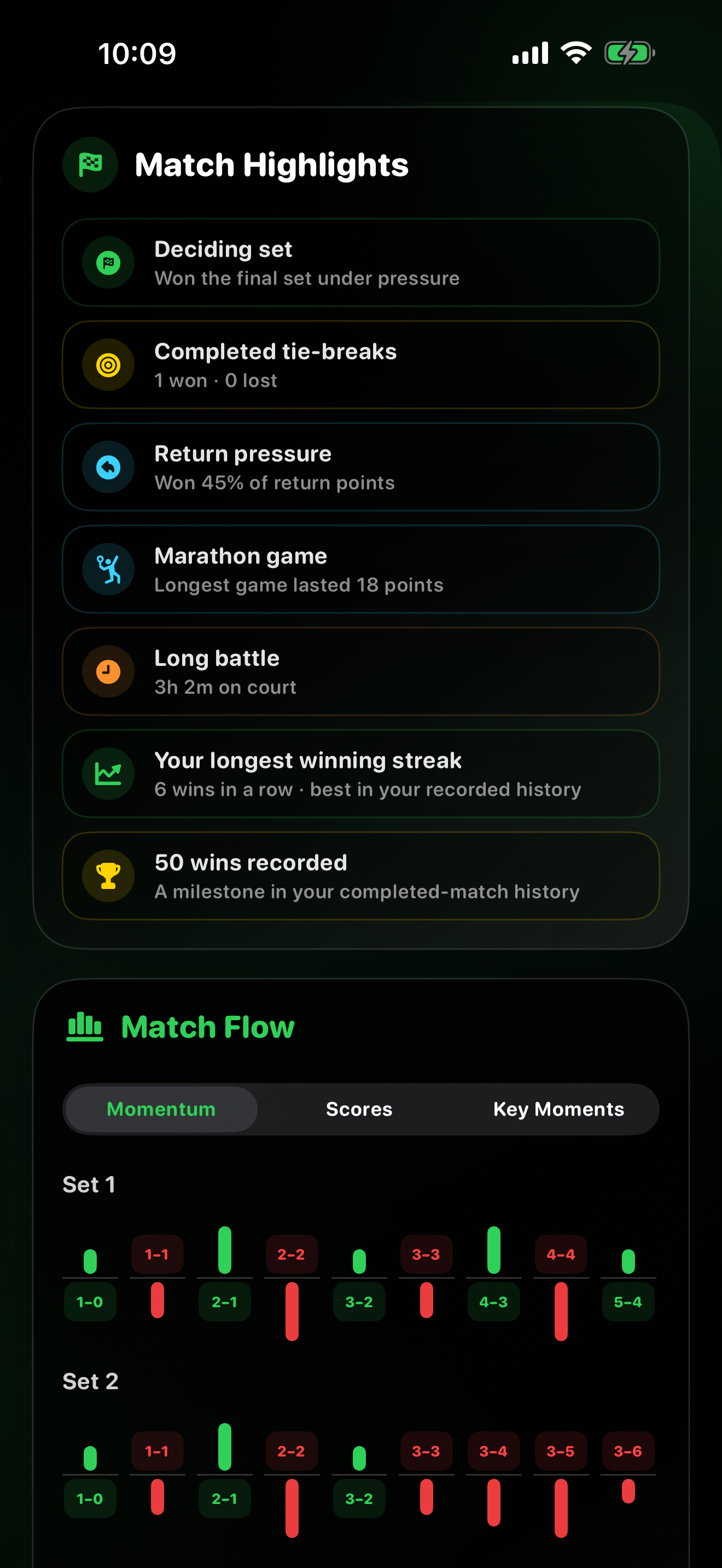
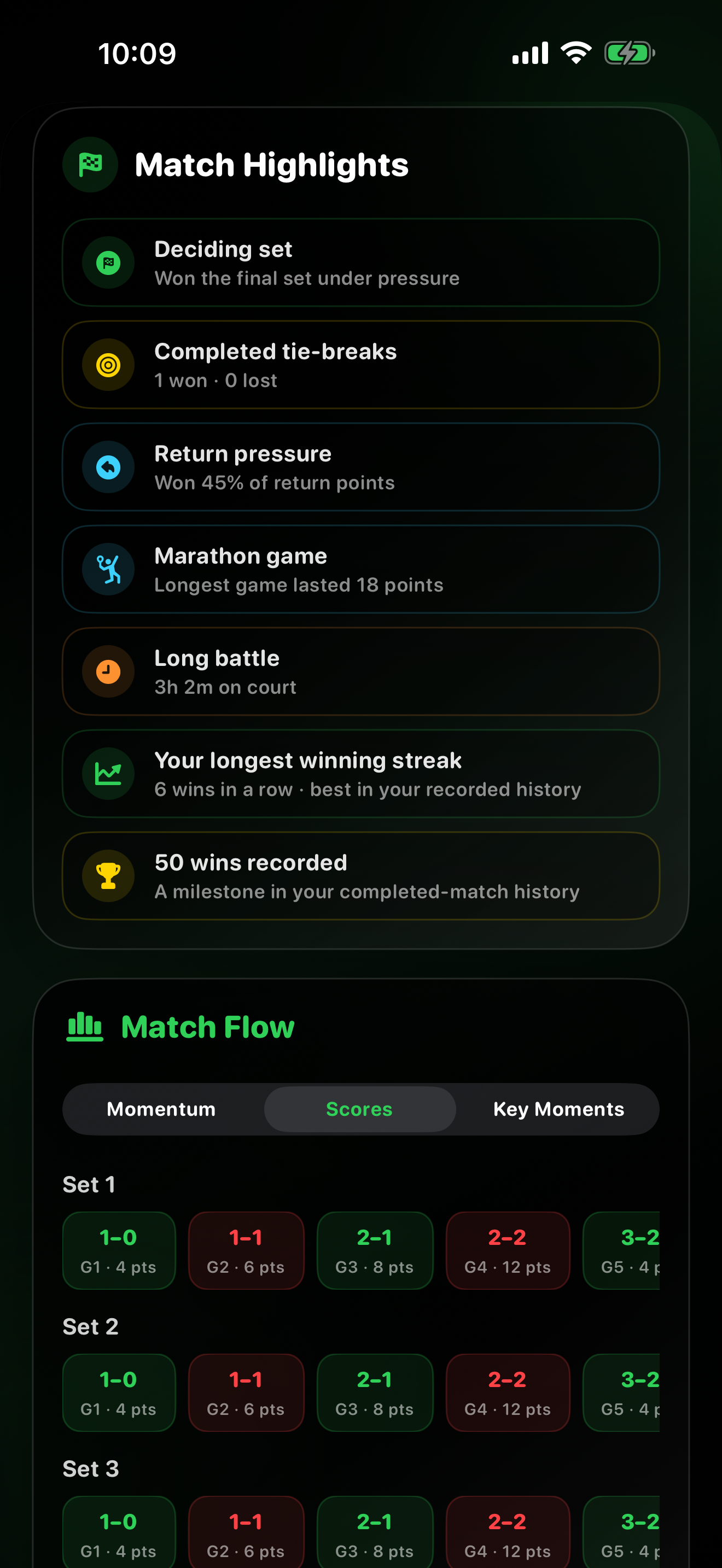
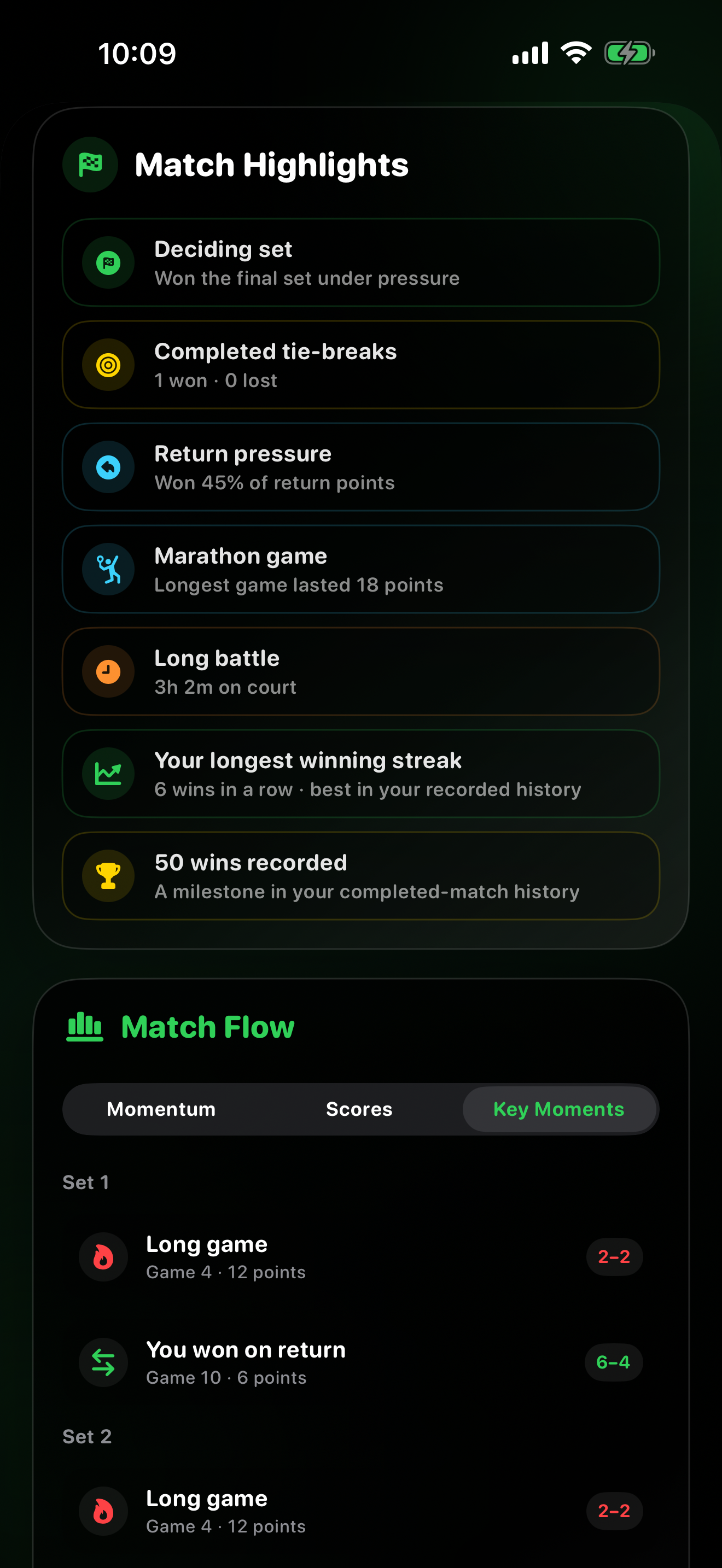
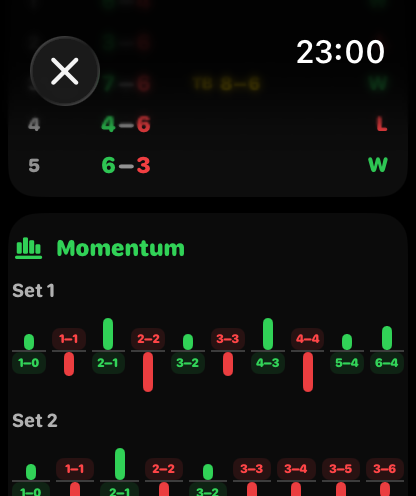
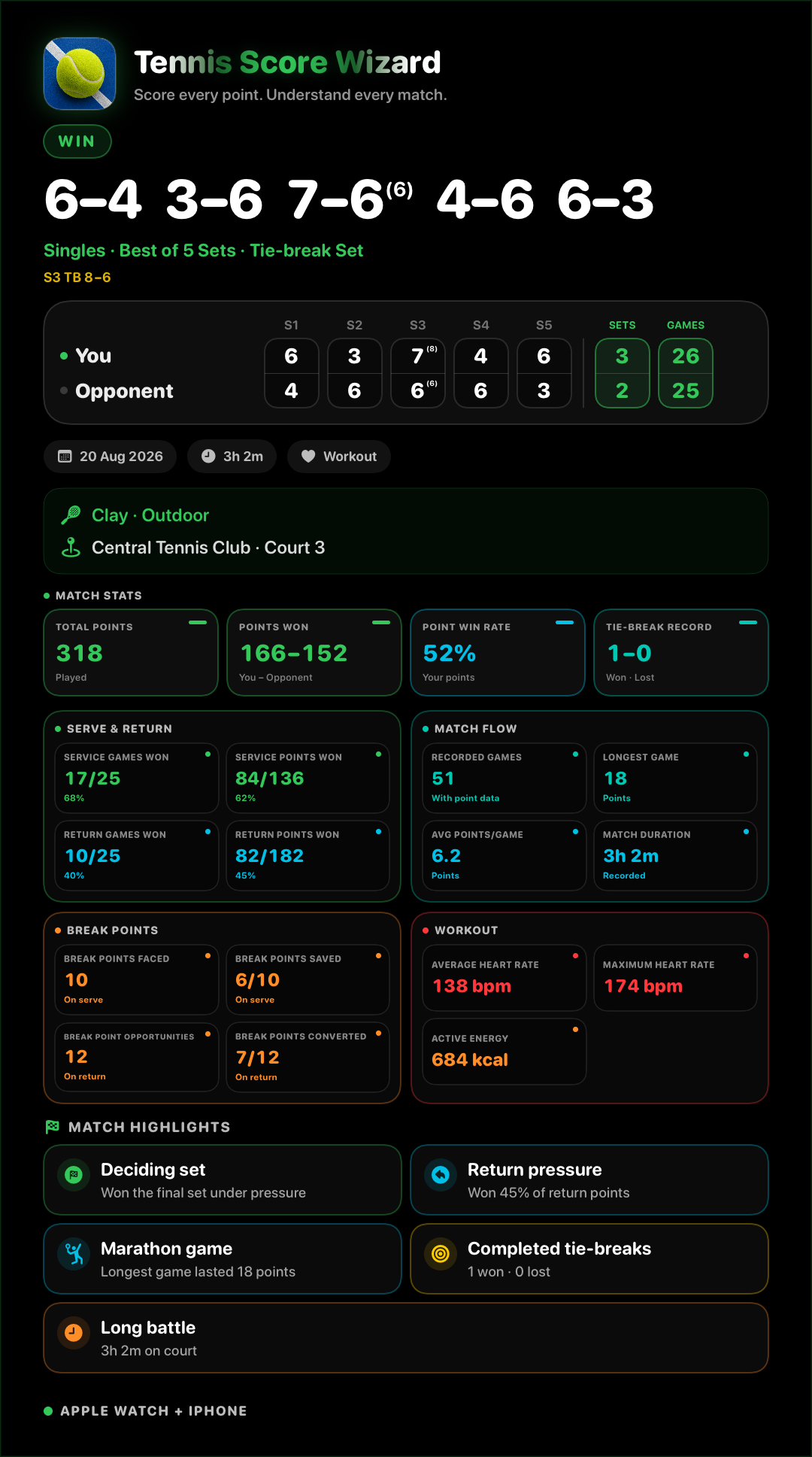
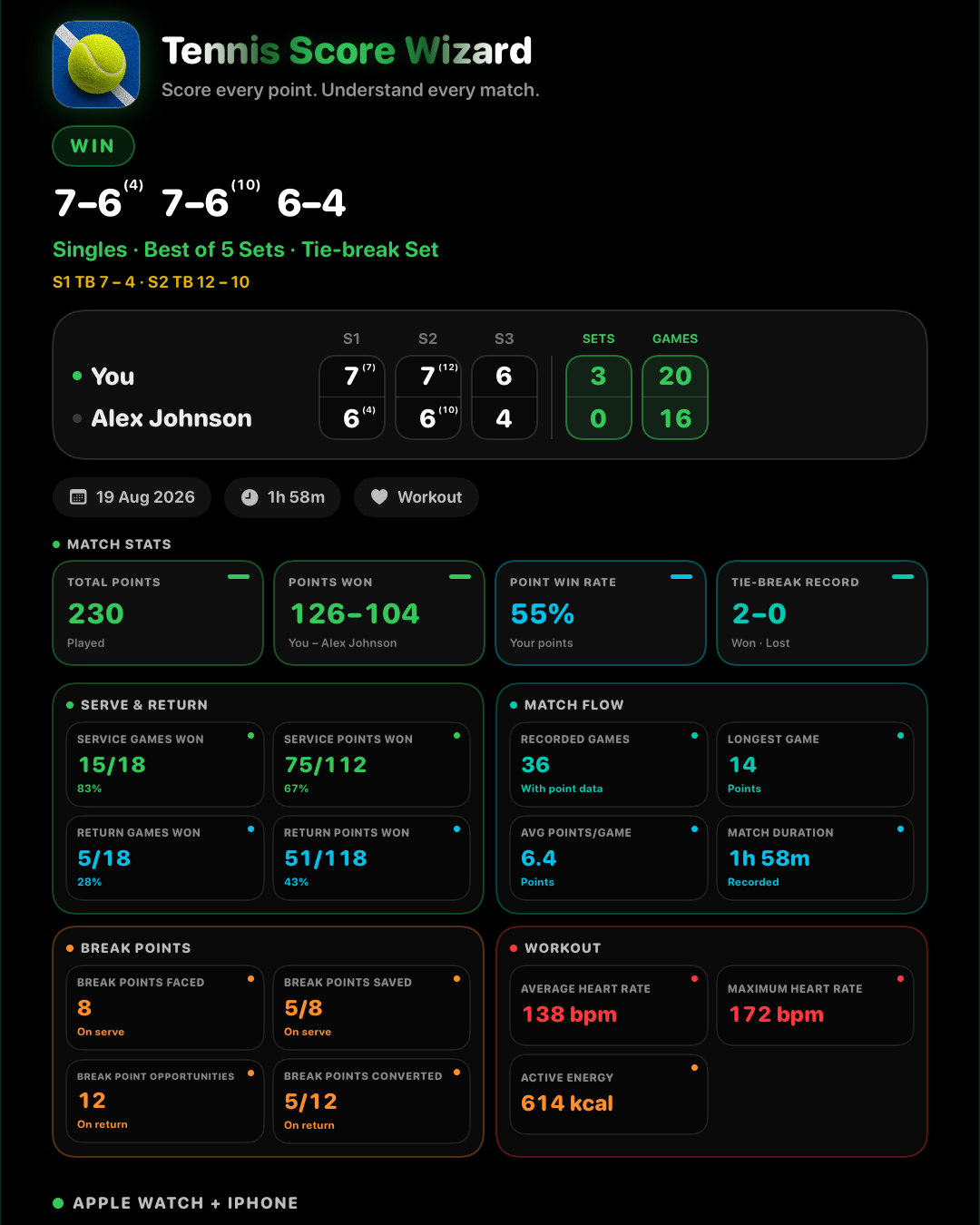
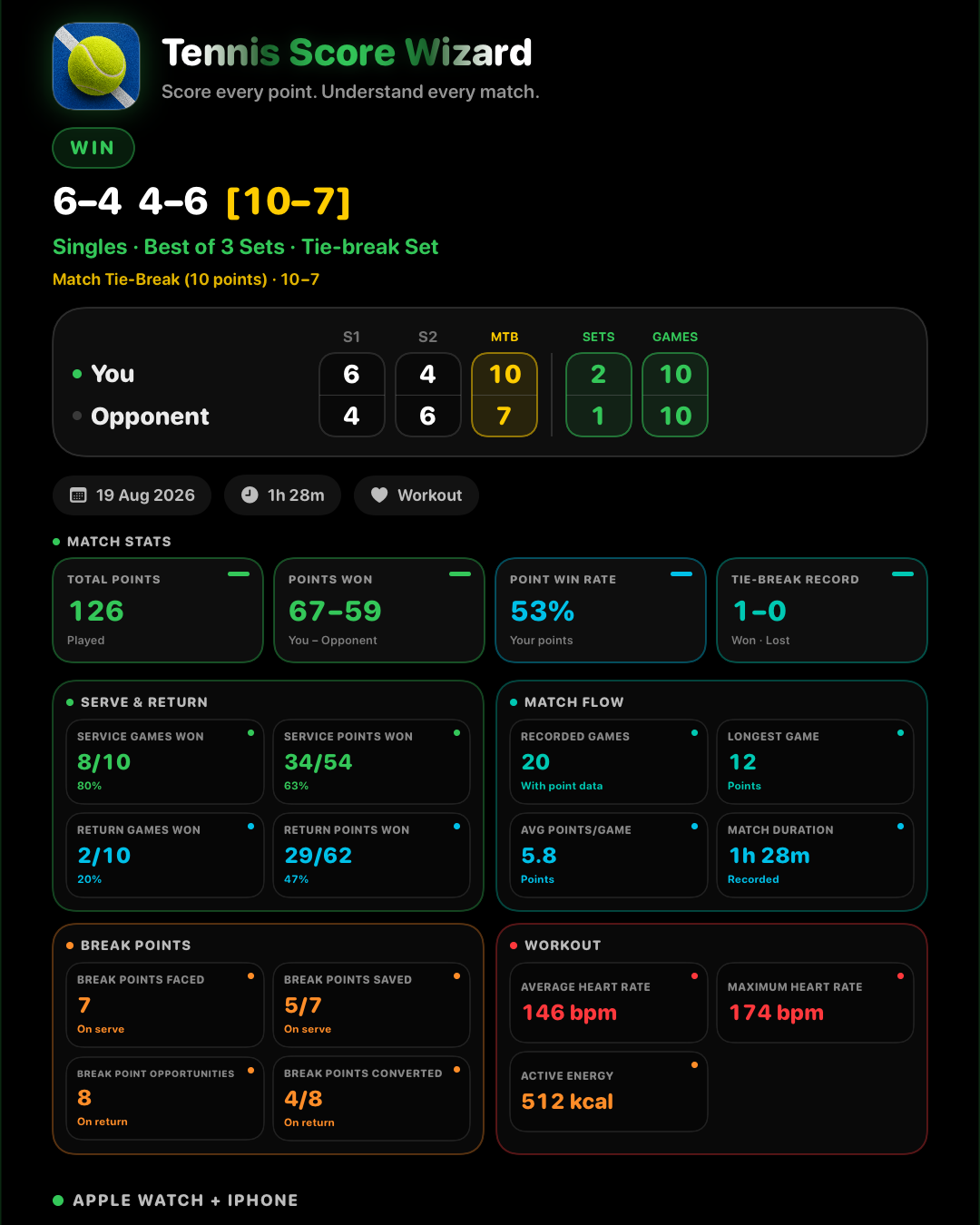
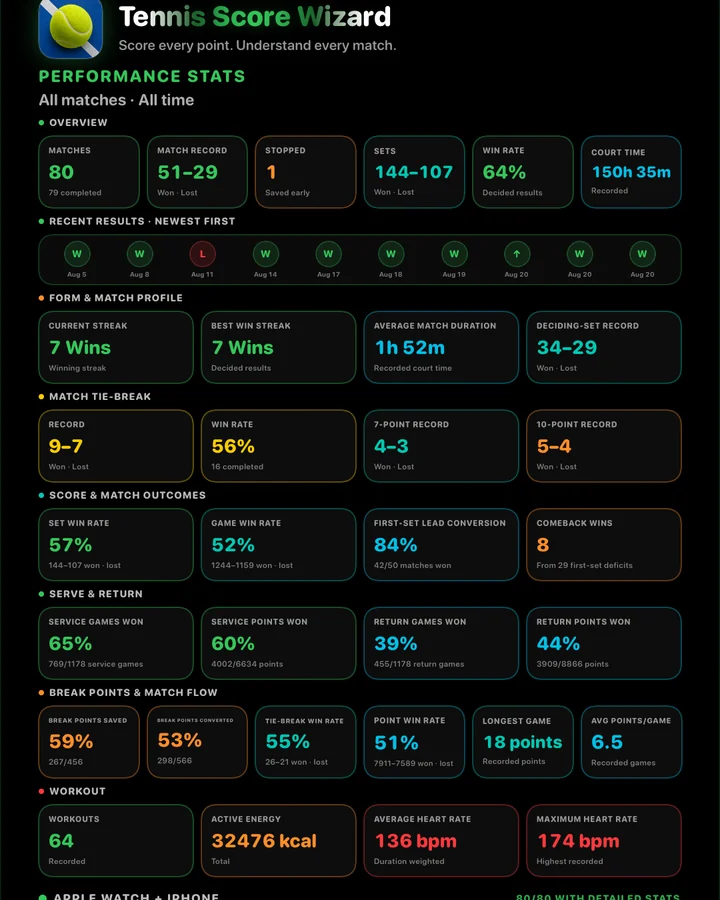
After a match, History can show points, serve, return, pressure, tie-break, and game flow stats generated from normal scoring taps.
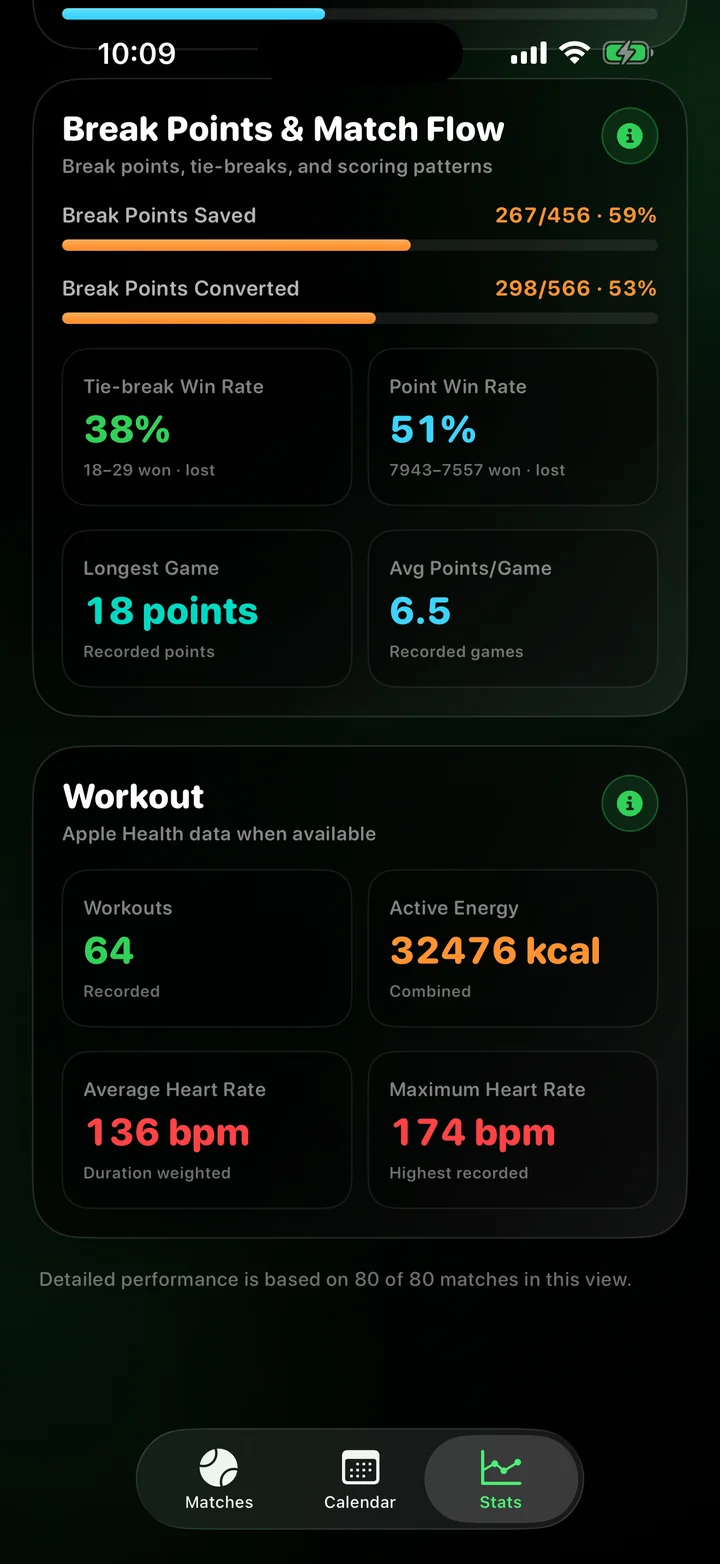
Optionally record a tennis match as an Apple Health workout and review average heart rate, max heart rate, and active calories.
Use coin toss server selection, serve-side guidance, Switch Server, Undo, automatic match finish, and local match history.
Follow the full match flow: setup, workout recording, live scoring, tie-breaks, finished matches, history, and automatic stats.
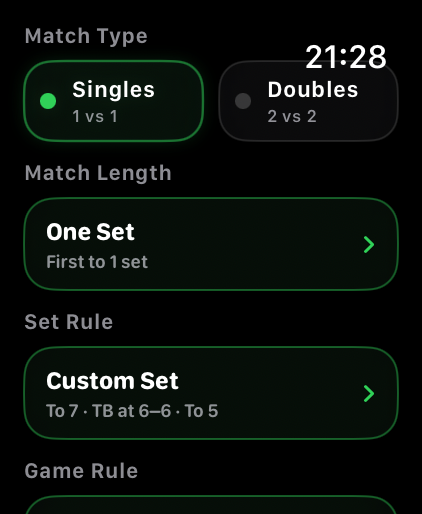
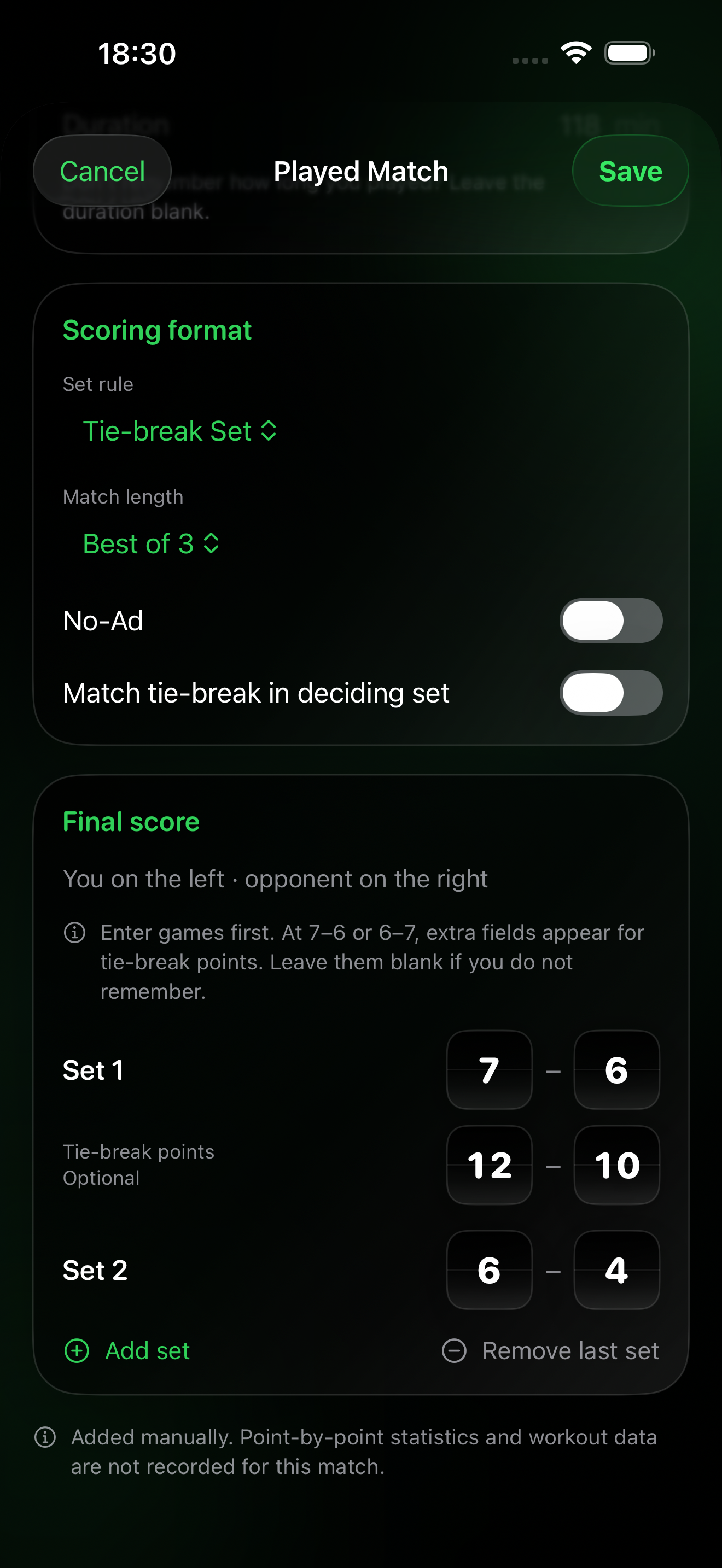
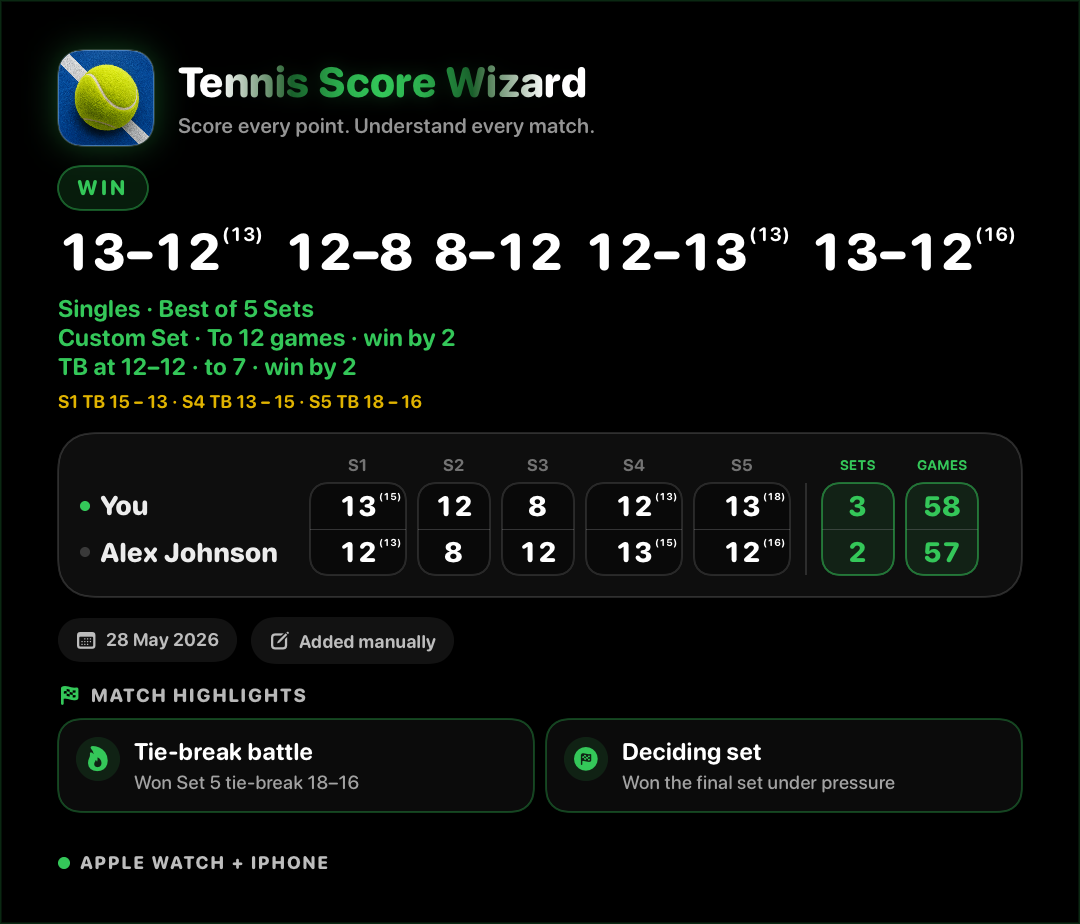
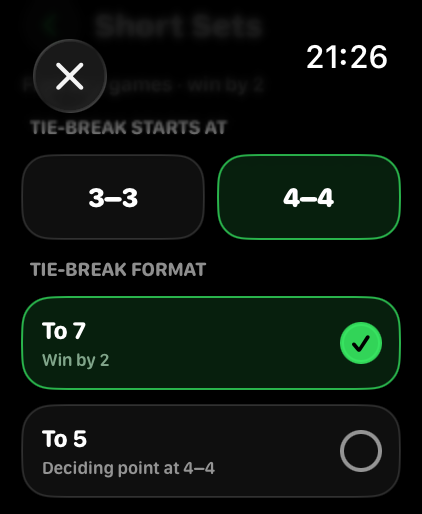
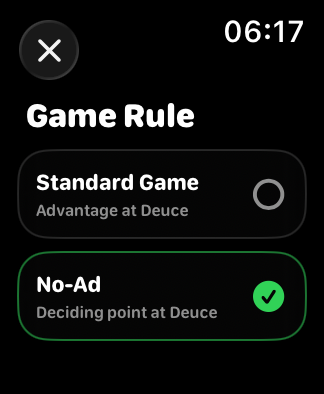
Choose singles or doubles, Best of 3 or Best of 5, and your set rule before the match starts.
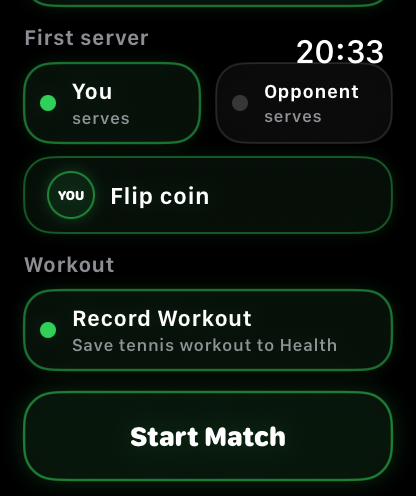
Pick the first server, use coin toss, enable Record Workout, and start the match from one screen.
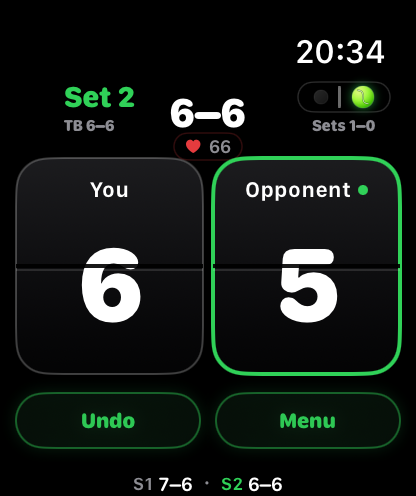
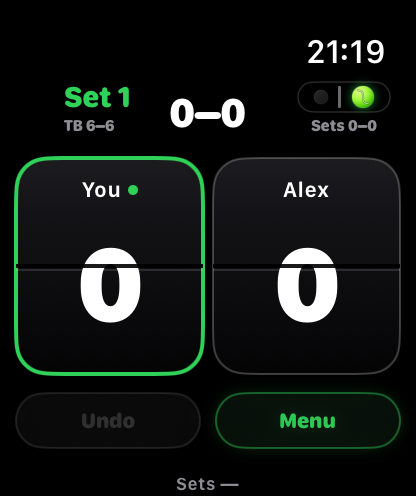
Score from large cards while server, serve side, sets, workout status, and live heart rate stay visible.
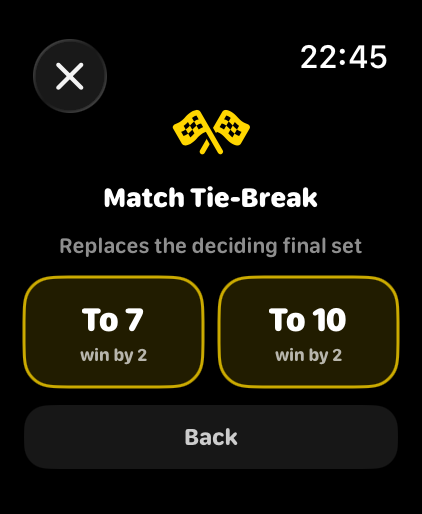
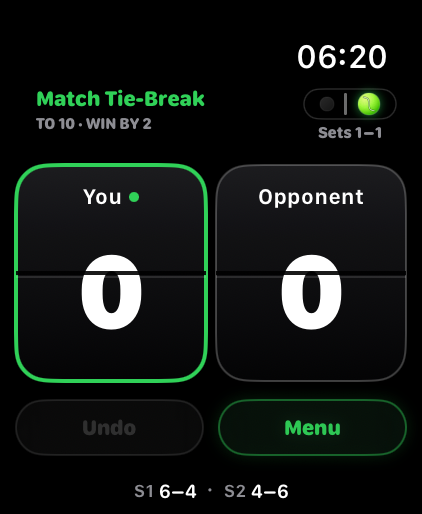
Track tie-break points at 6–6 with the same large, fast Apple Watch scoring controls.
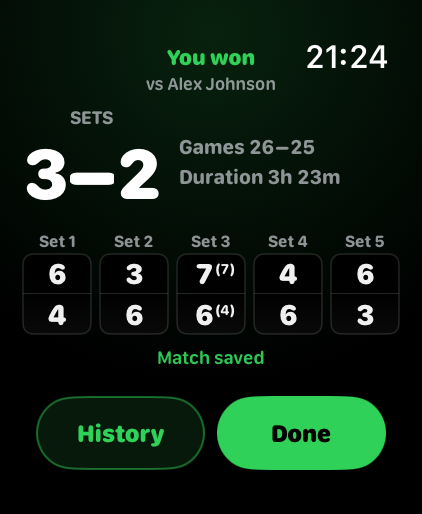
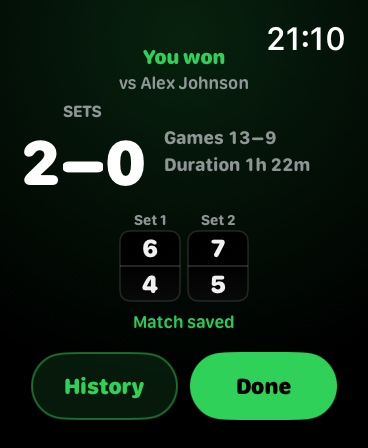
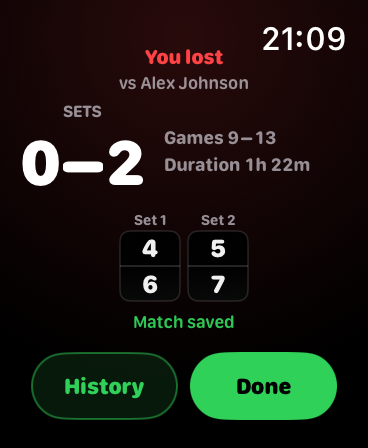
When the match is decided, the app shows the winner, set result, and quick access to History or Done.
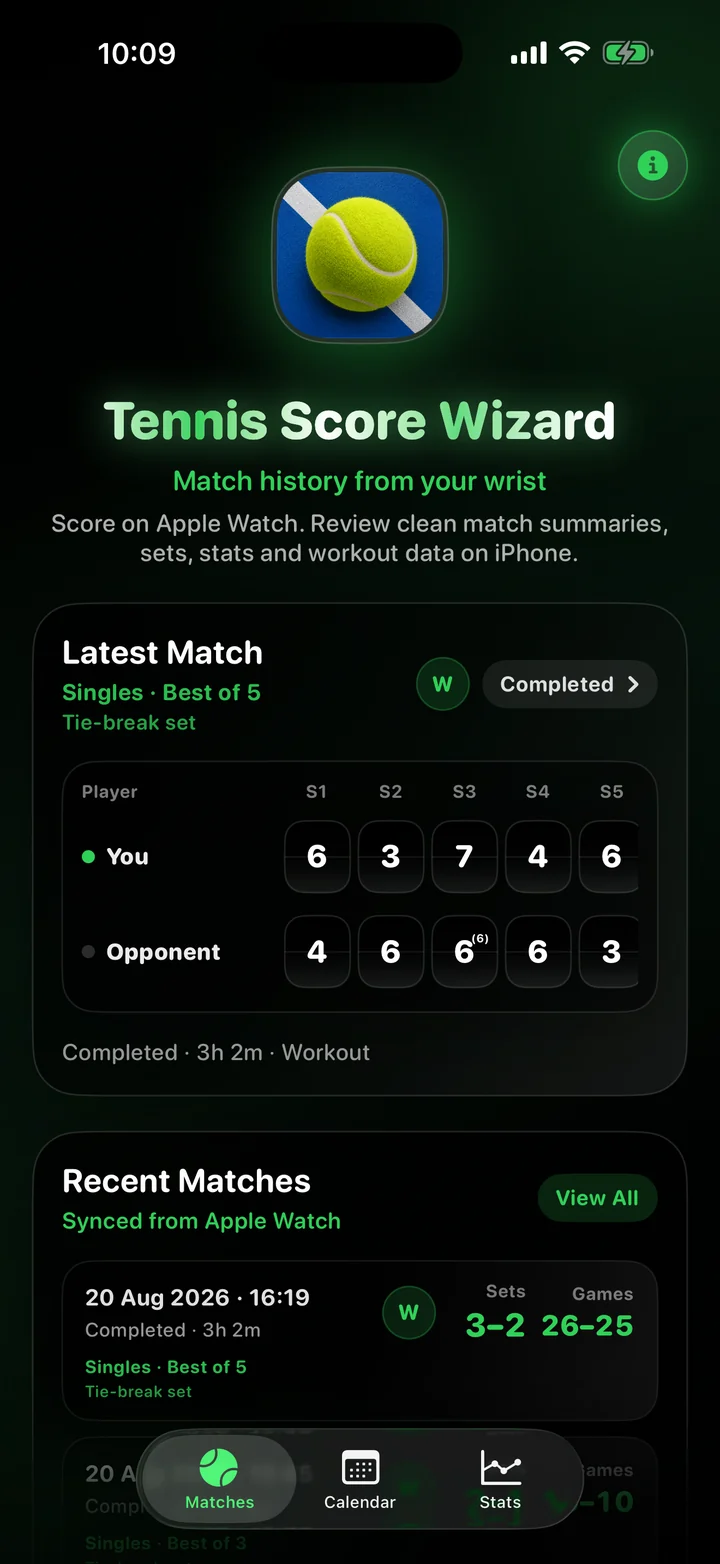
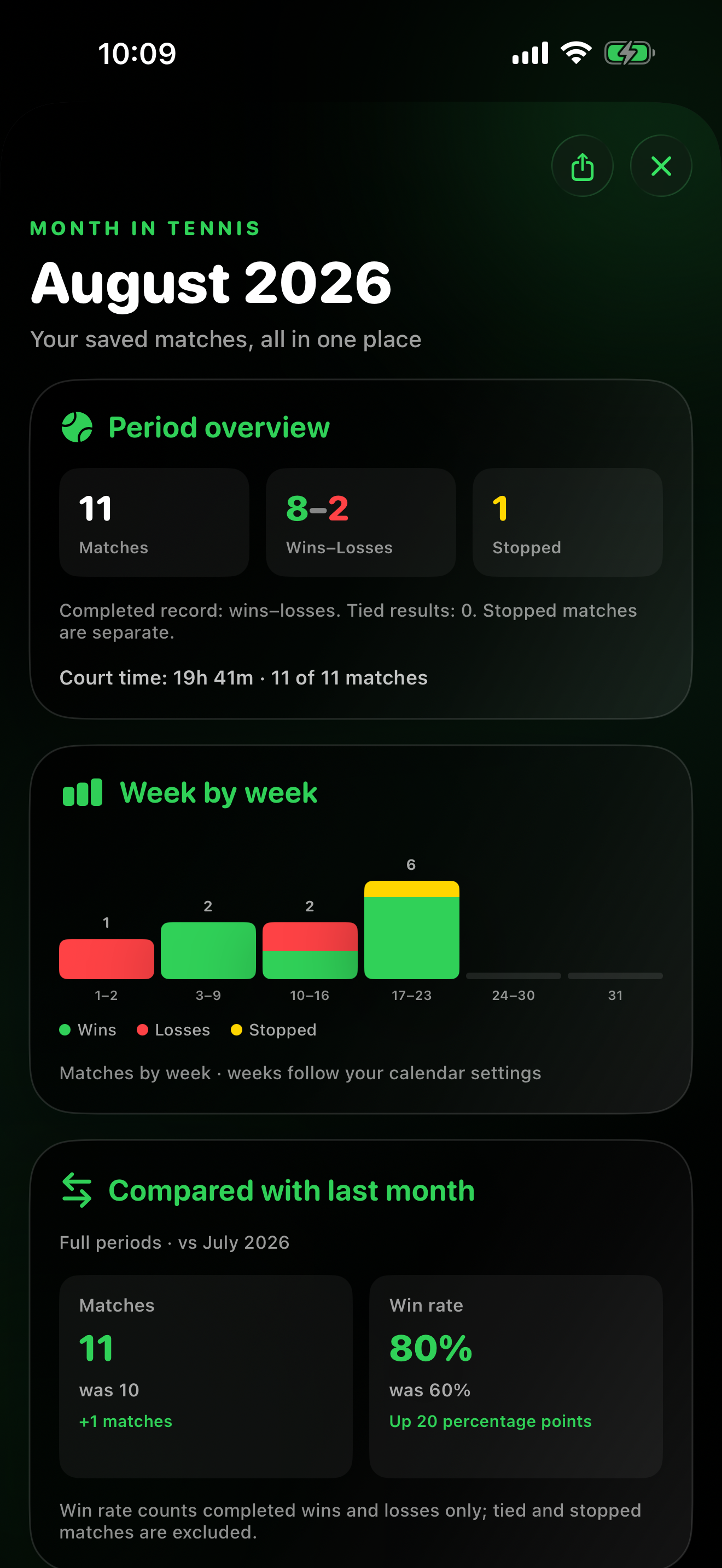
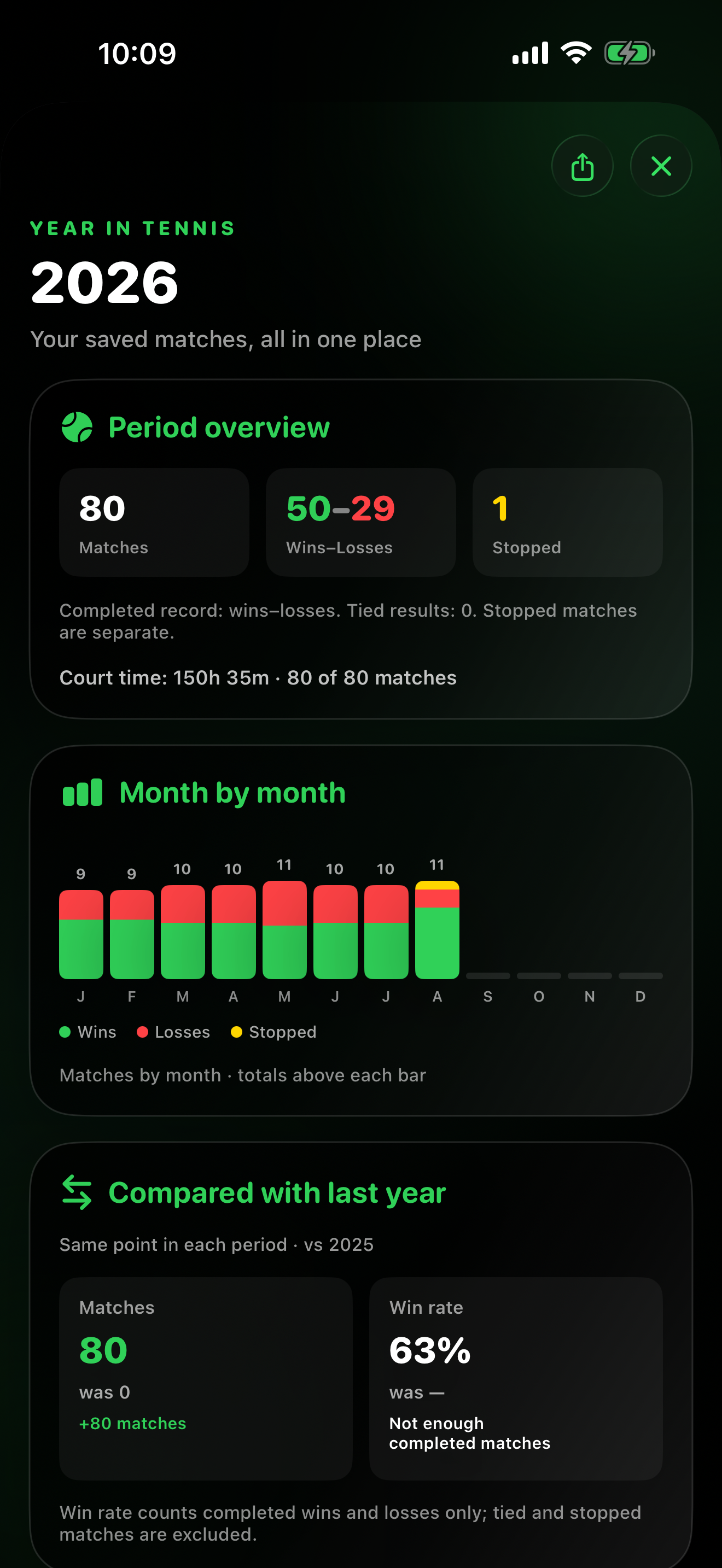
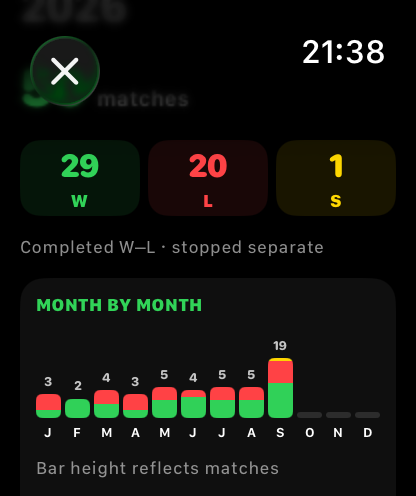
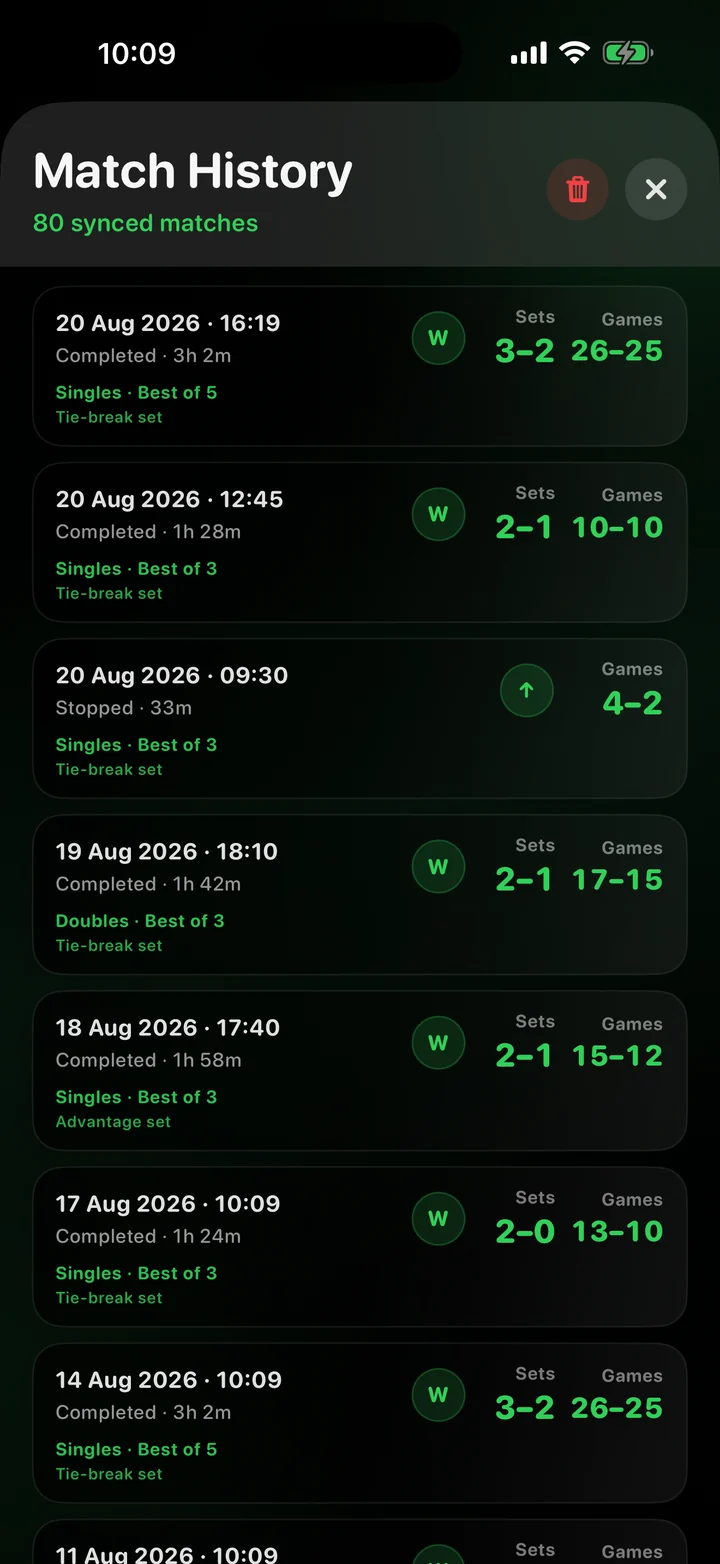
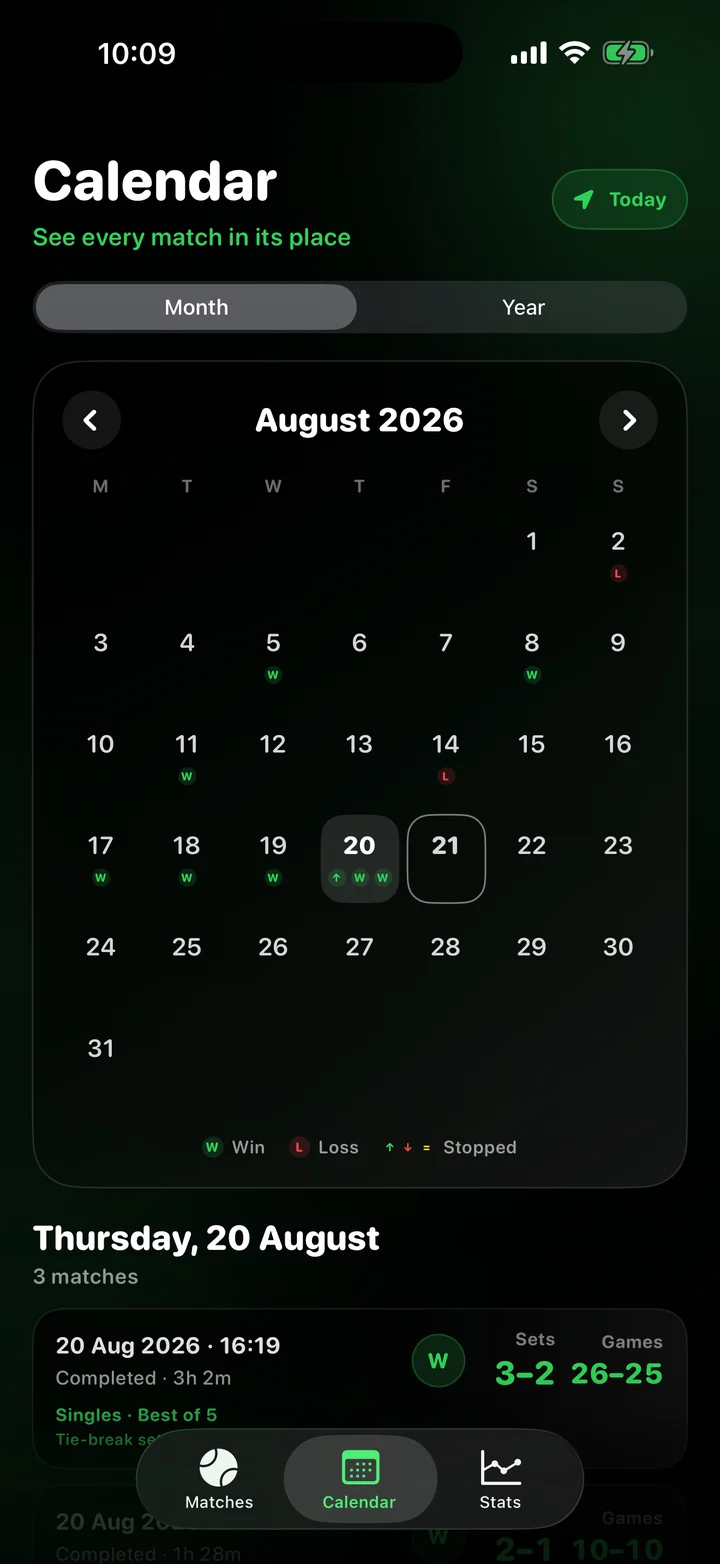
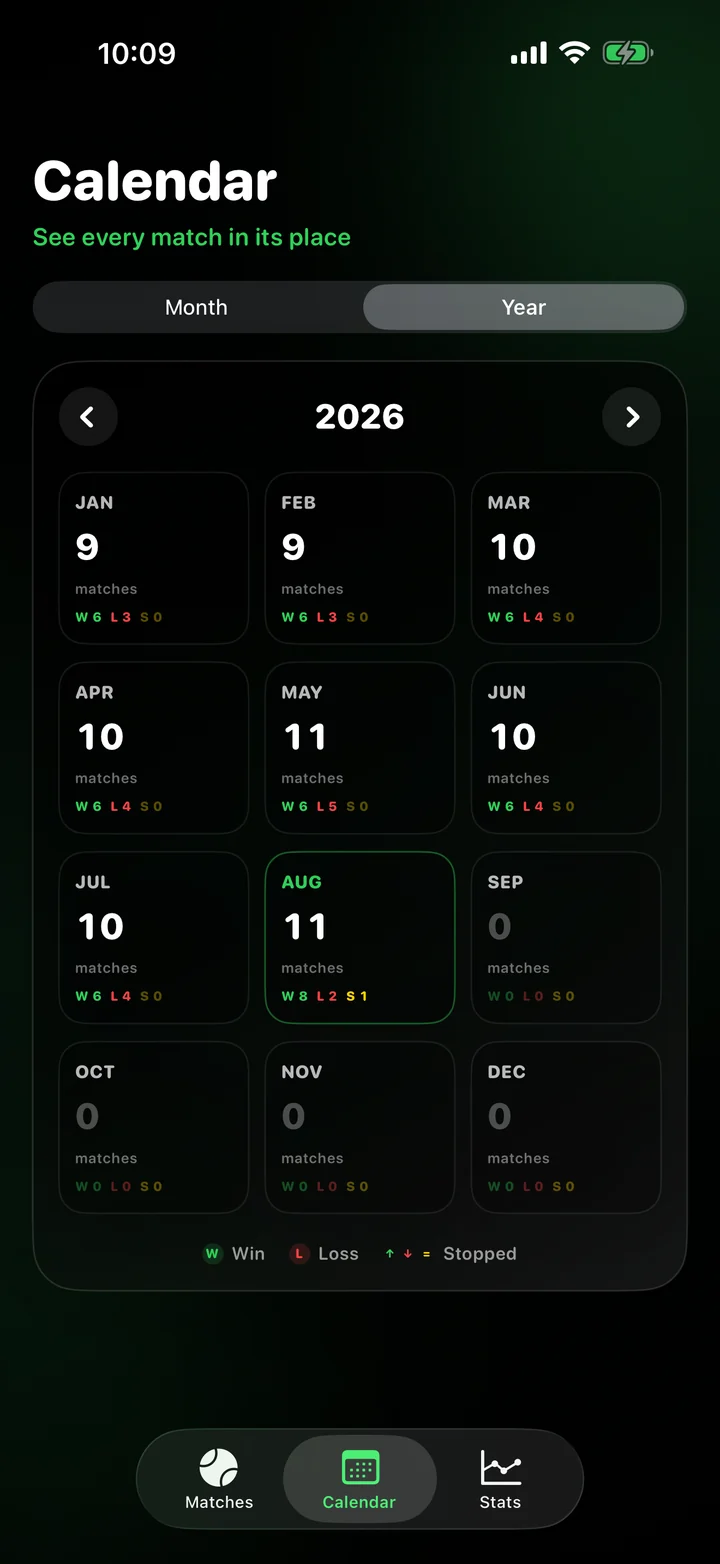
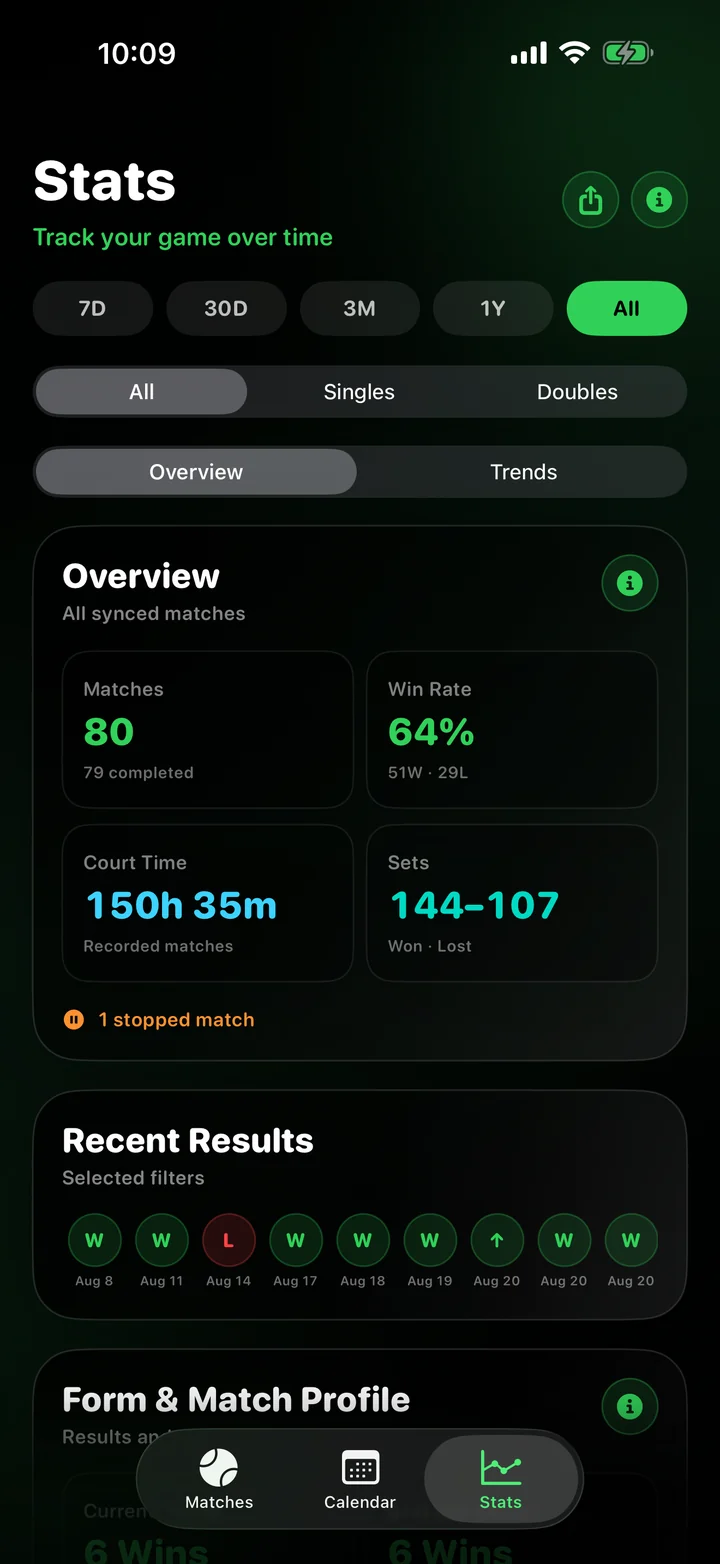
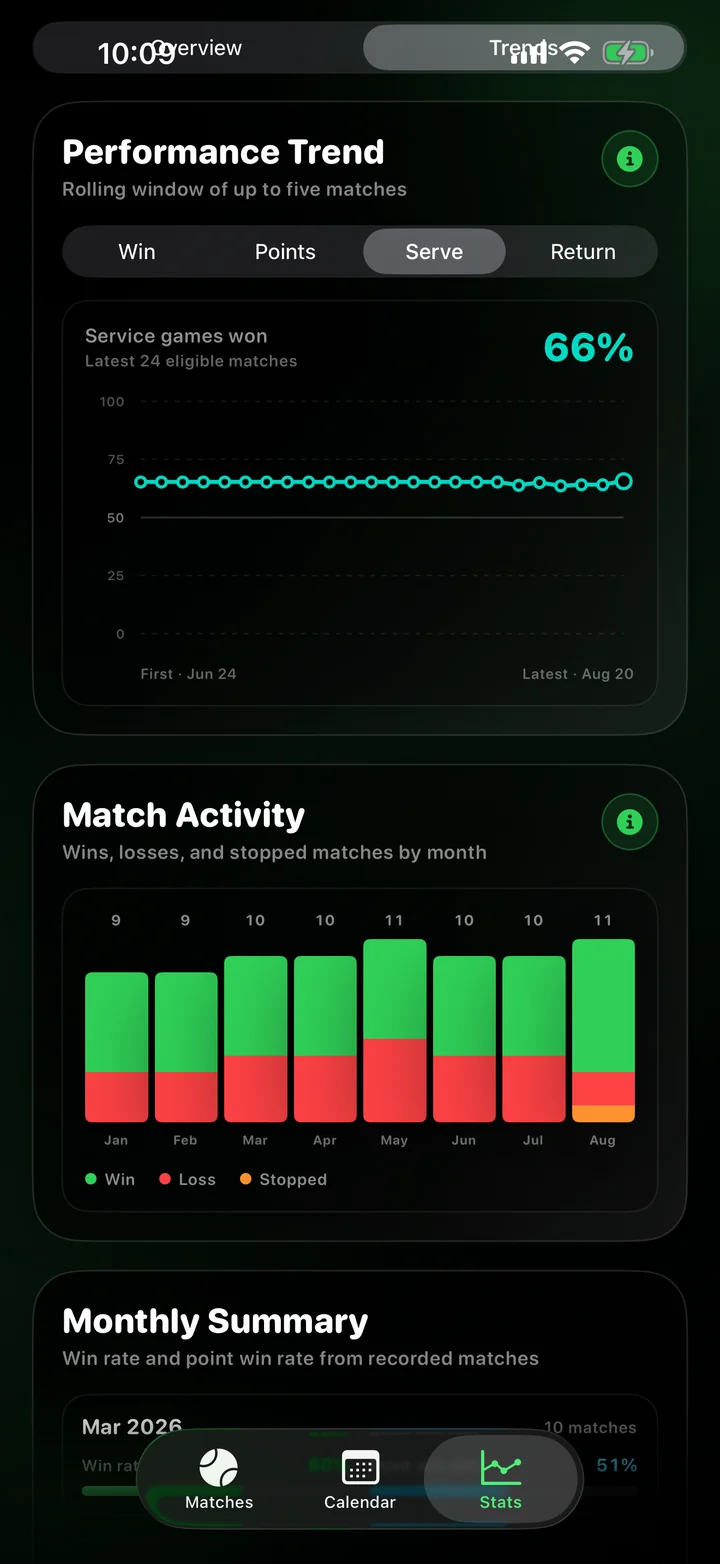
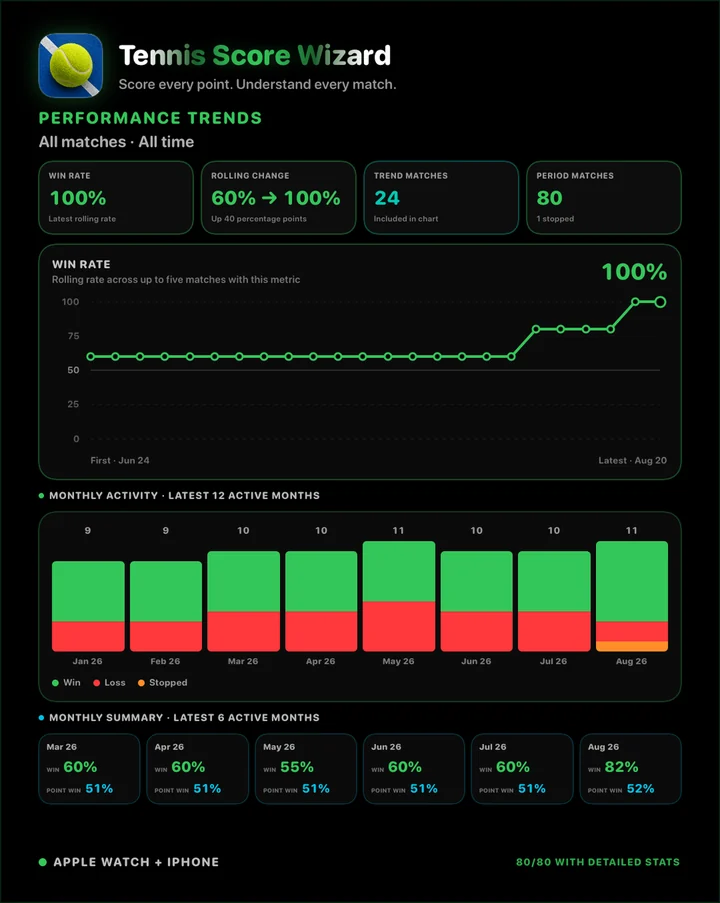
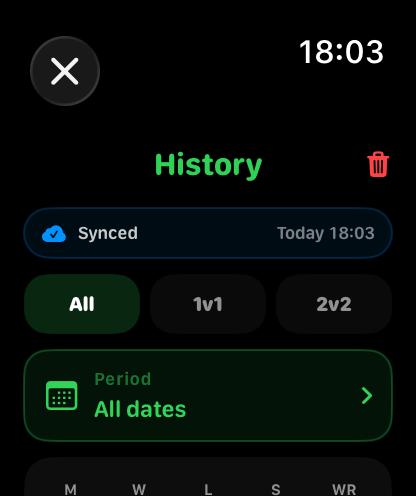
Review wins, losses, stopped matches, win rate, and saved matches directly on Apple Watch.
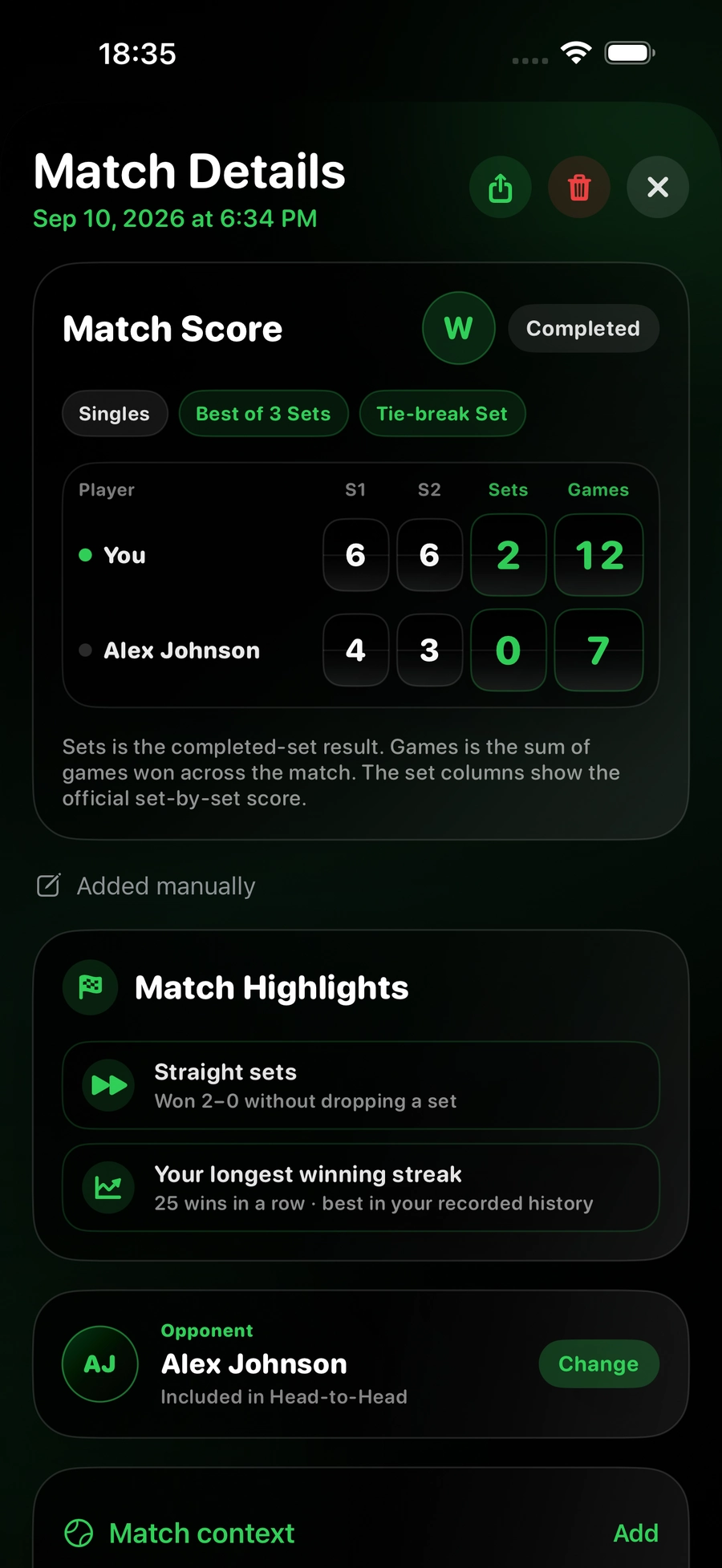
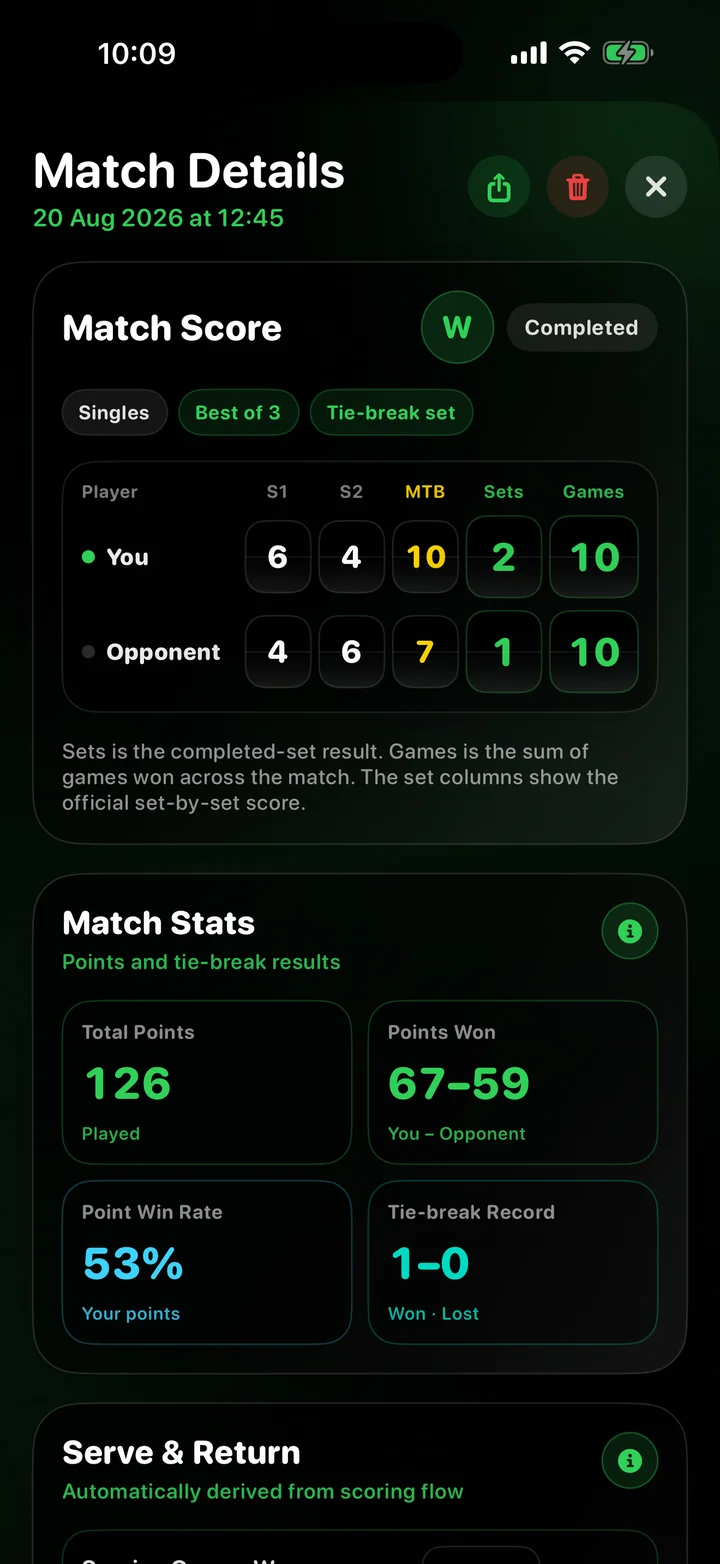
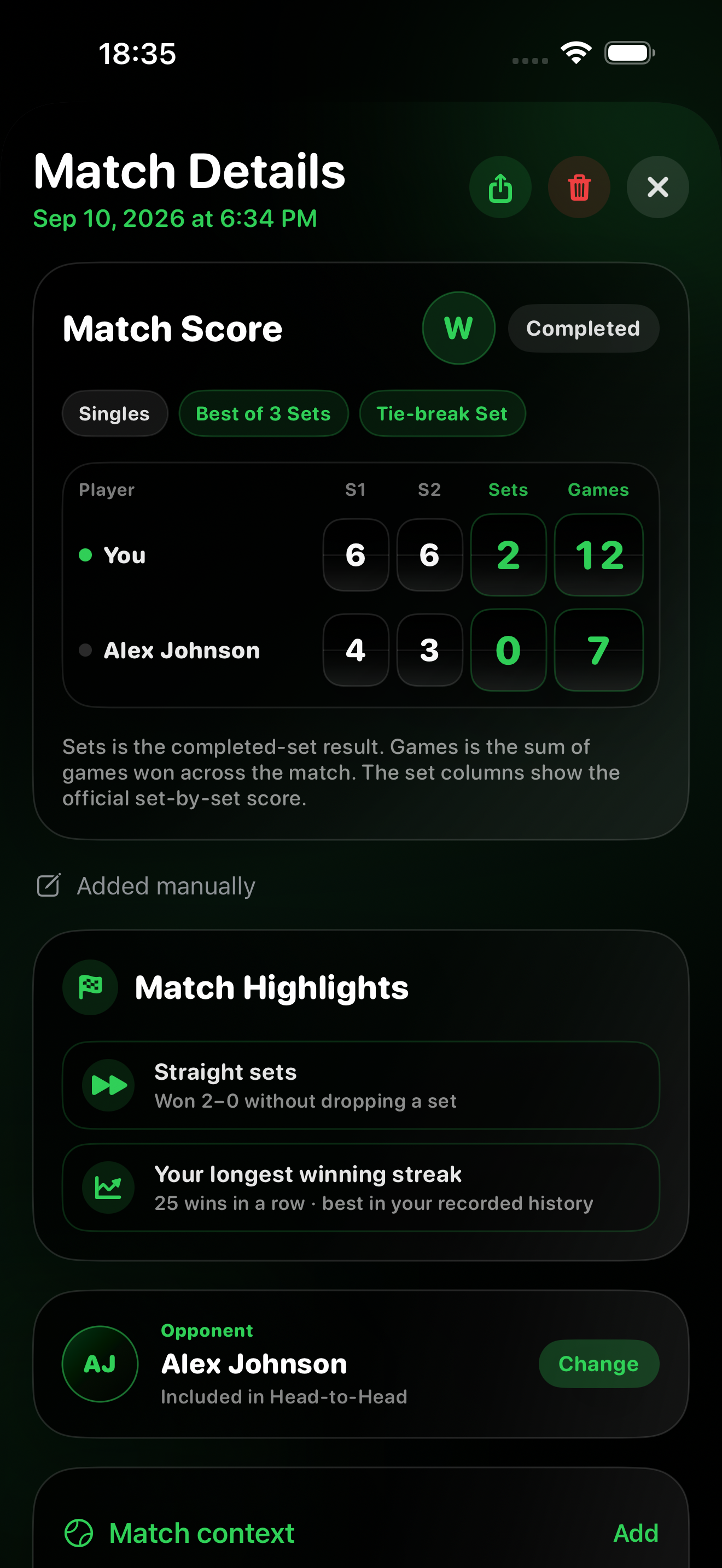
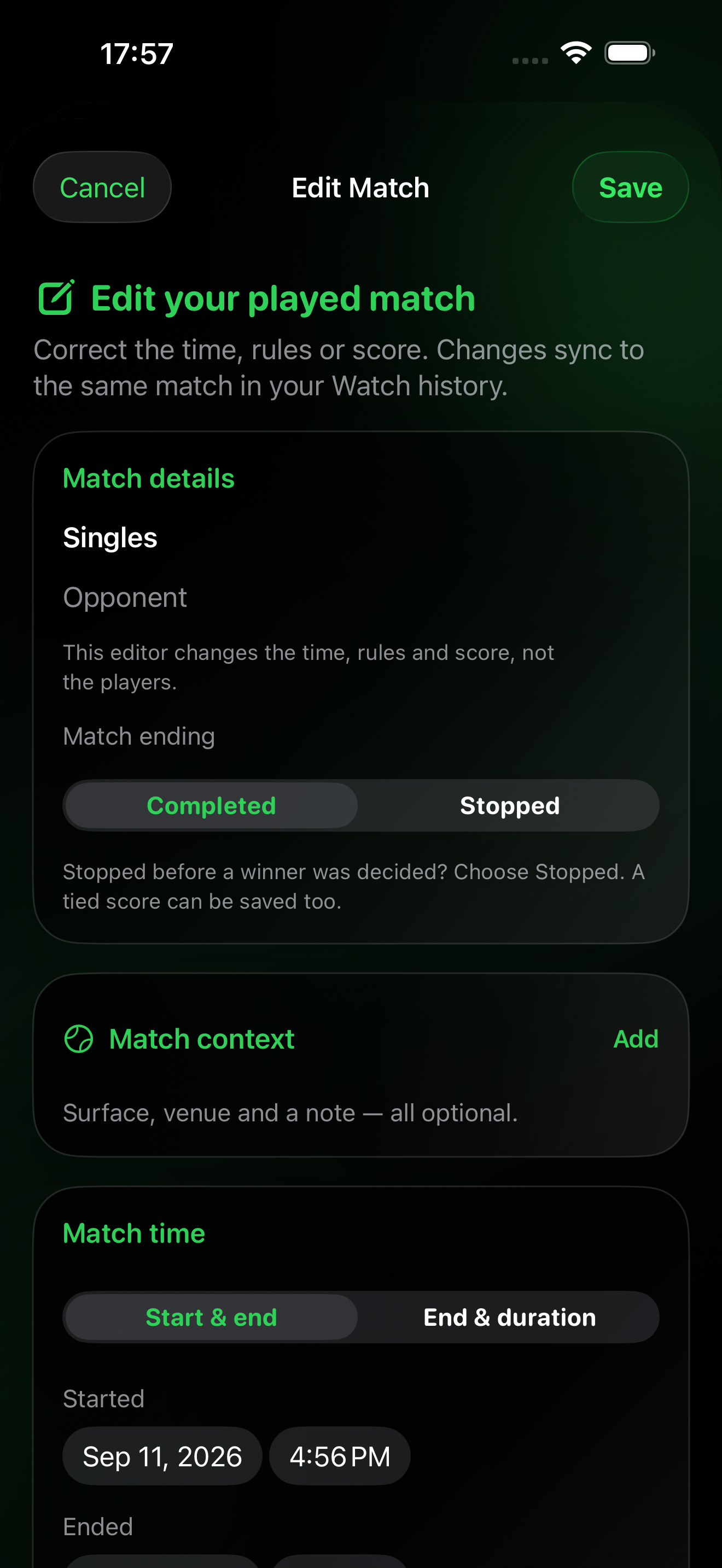
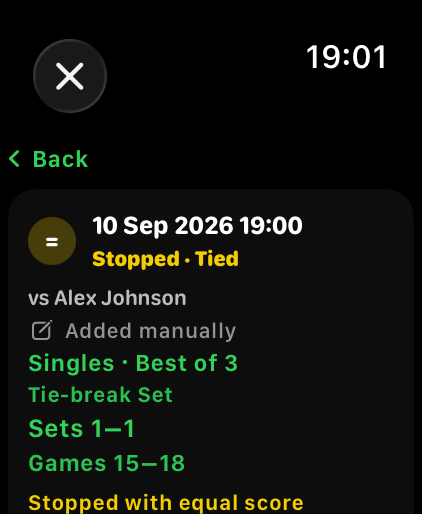
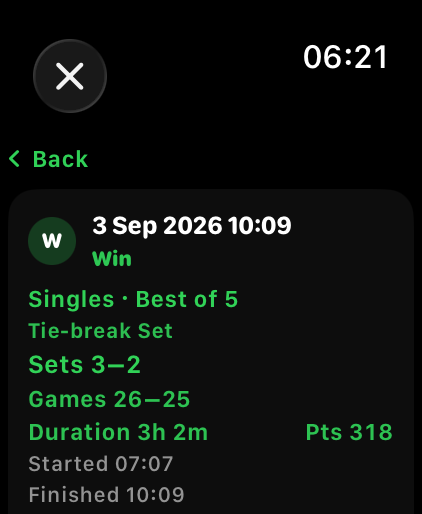
Open a saved match to review score, games, duration, total points, workout status, and stopped-match context.
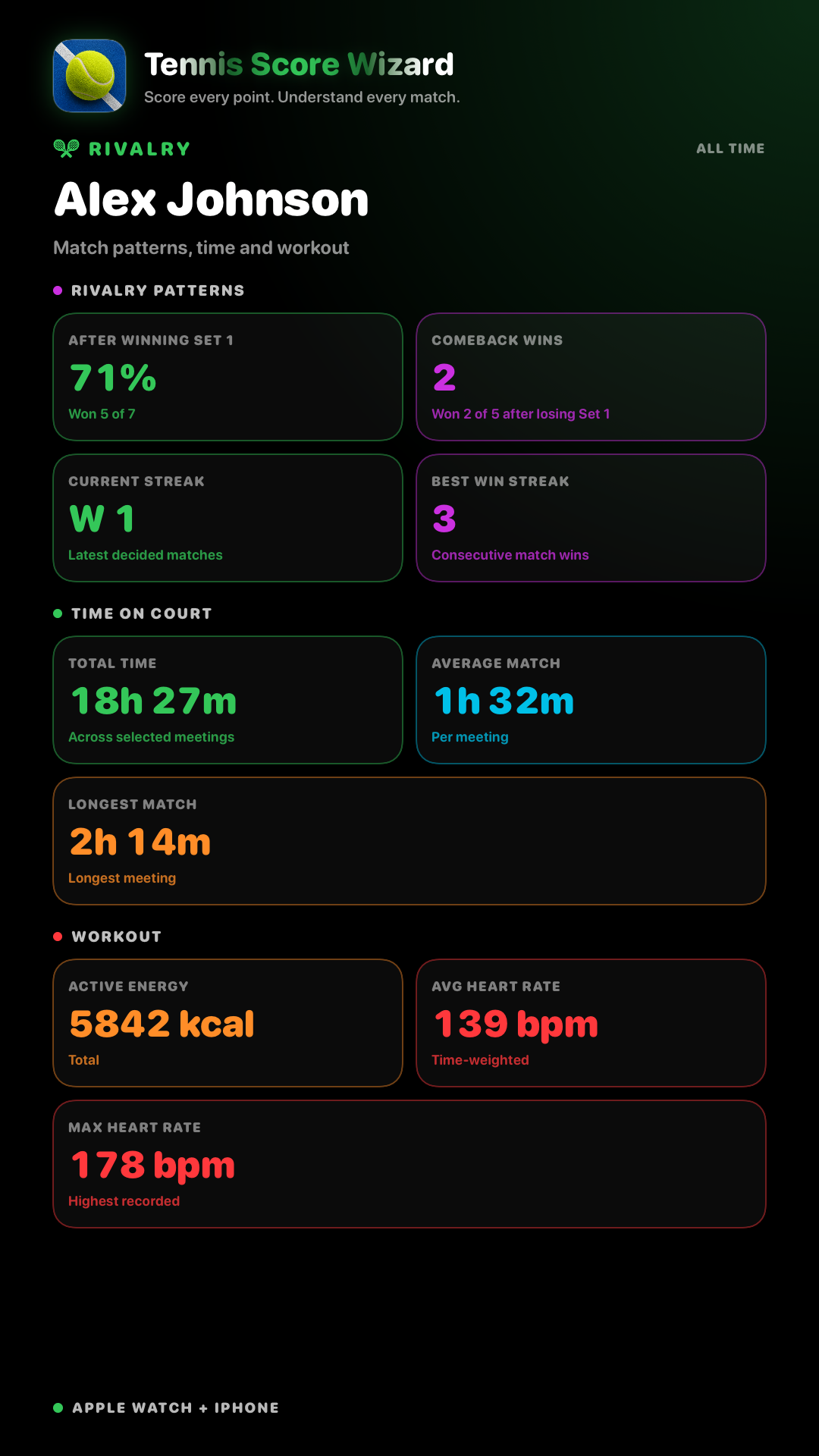
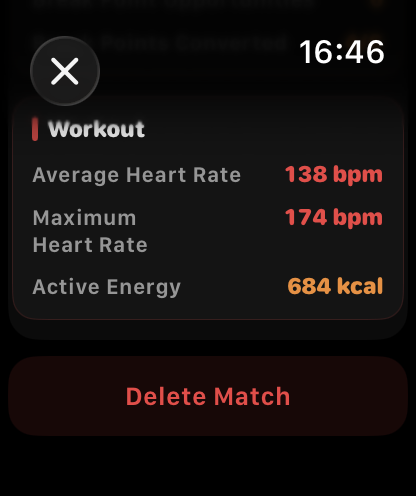
Recorded workouts can show average heart rate, max heart rate, and active calories after the match is saved.
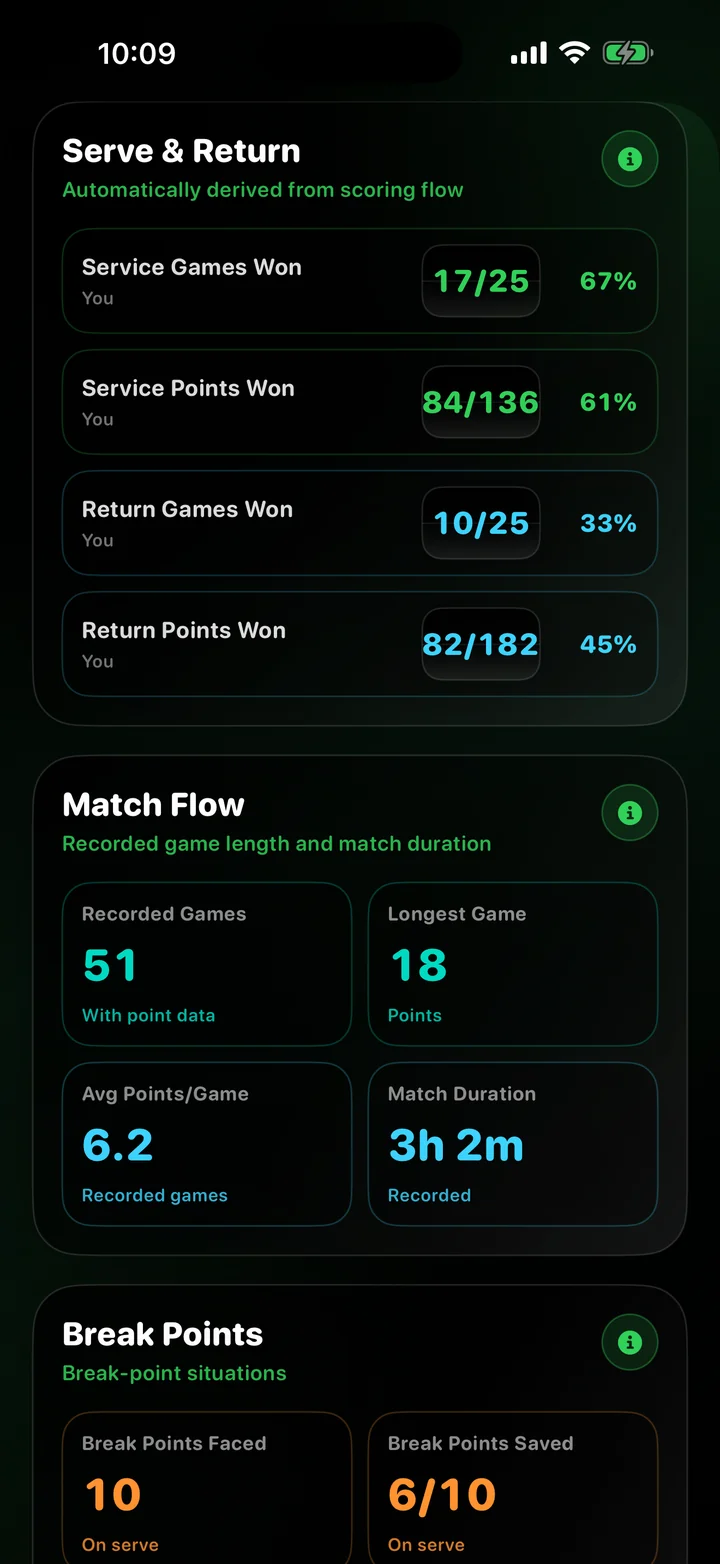
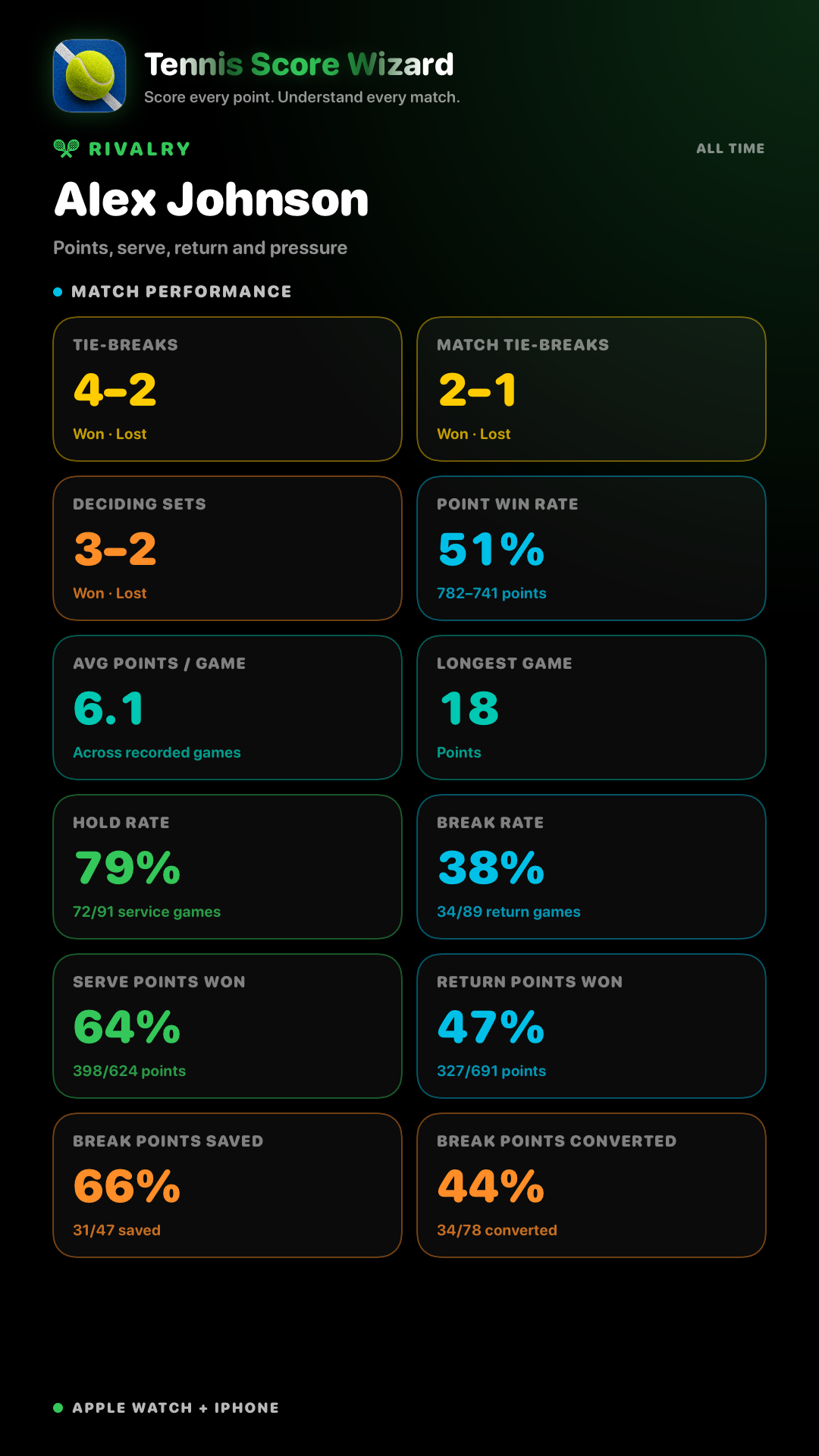
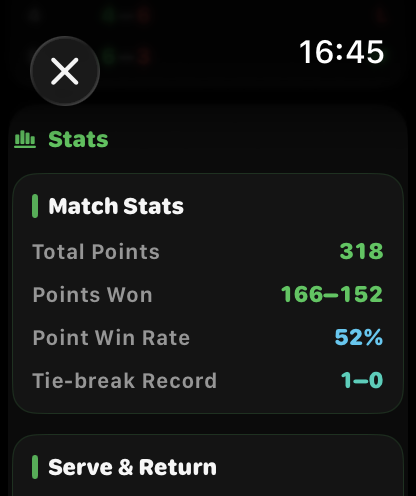
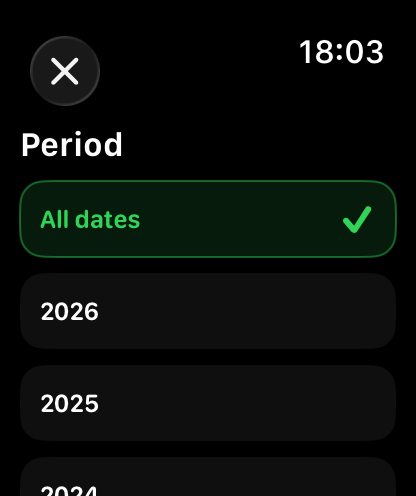
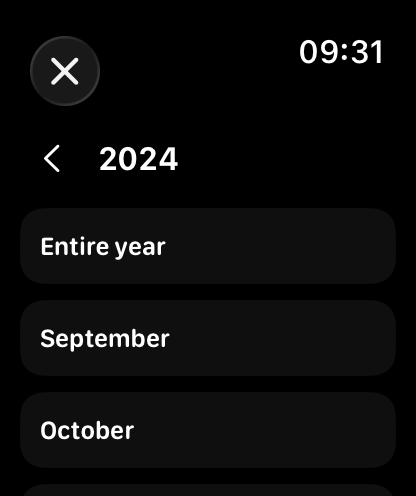
See total points played, points won by each side, service games, and service points won.
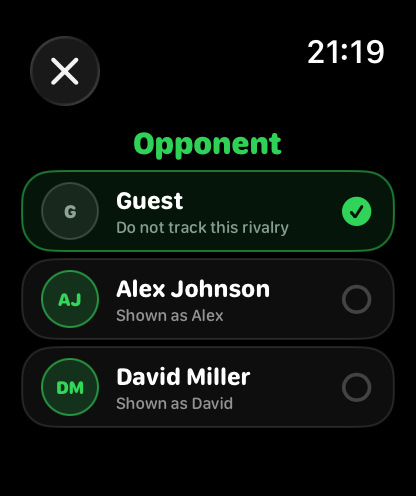
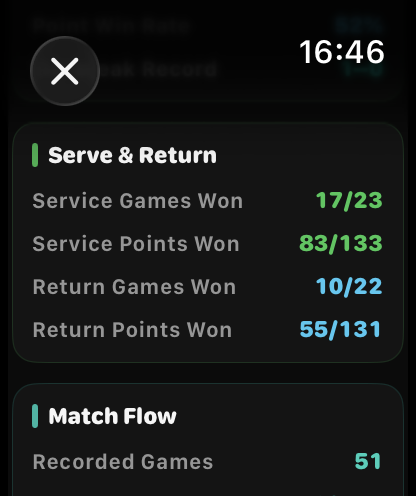
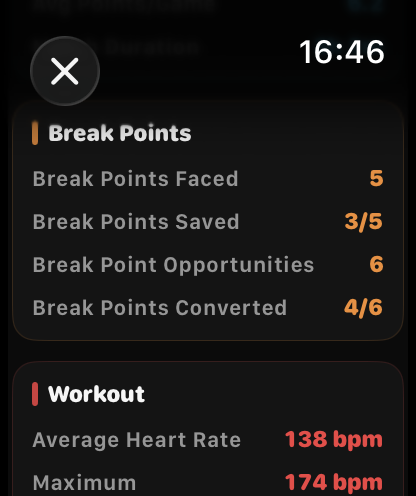
Review return games, return points, break points saved, and break points converted.
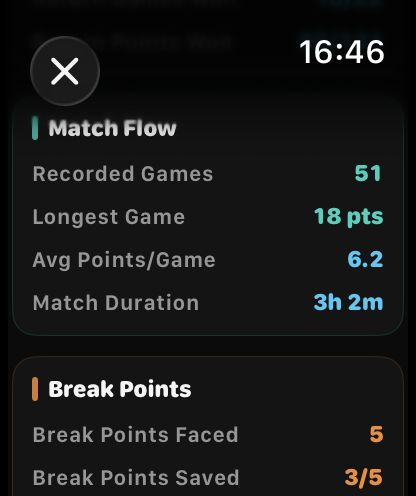
See longest game, average points per game, total games, and tie-breaks won or lost.
Version 1.2 adds automatic stats in History. They are calculated from your normal scoring taps, so you do not need to enter aces, winners, rally length, or any extra match data.
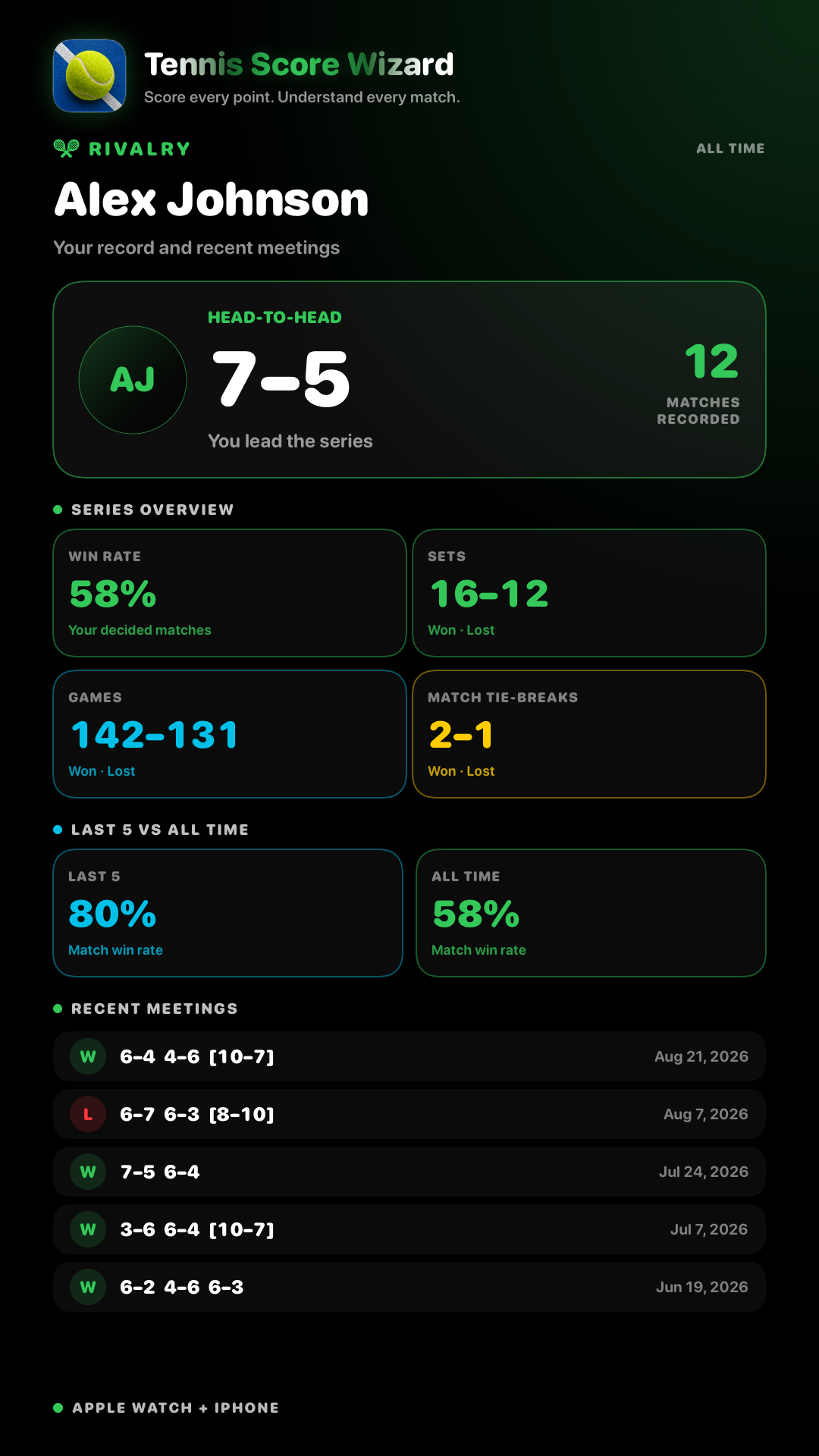
Shows total points played and how many points each side won. A close points total usually means the match was tighter than the set score may look.
Shows how well you performed in your own service games. Service games are games where you served. Service points are individual points played on your serve.
Shows how well you performed when the opponent served. Return games won are breaks of serve. Return points won show how often you won points against the opponent’s serve.
Break points saved are break points you survived on your serve. Break points converted are chances you won when the opponent was serving.
Shows the rhythm of the match: longest game, average points per game, total games, and tie-breaks won or lost.
If Record Workout is enabled and Health permission is granted, History can show average heart rate, max heart rate, and active calories for the saved tennis workout.
Here is how to read common stat lines after a real match.
You won 67 points and the opponent won 72. A small gap usually means the match was closer than the set score may look.
You served in 10 games and won 3 of them. This shows how often you held your own serve.
The opponent served in 11 games and you broke serve 6 times.
You faced 11 break points on your serve and saved 4.
You had 13 chances to break the opponent’s serve and converted 6.
Each game lasted about 6 points on average. Higher numbers usually mean longer, tighter games.
Matches saved before automatic stats were added may not include stats. New matches saved with version 1.2 or later can include the new History stats.
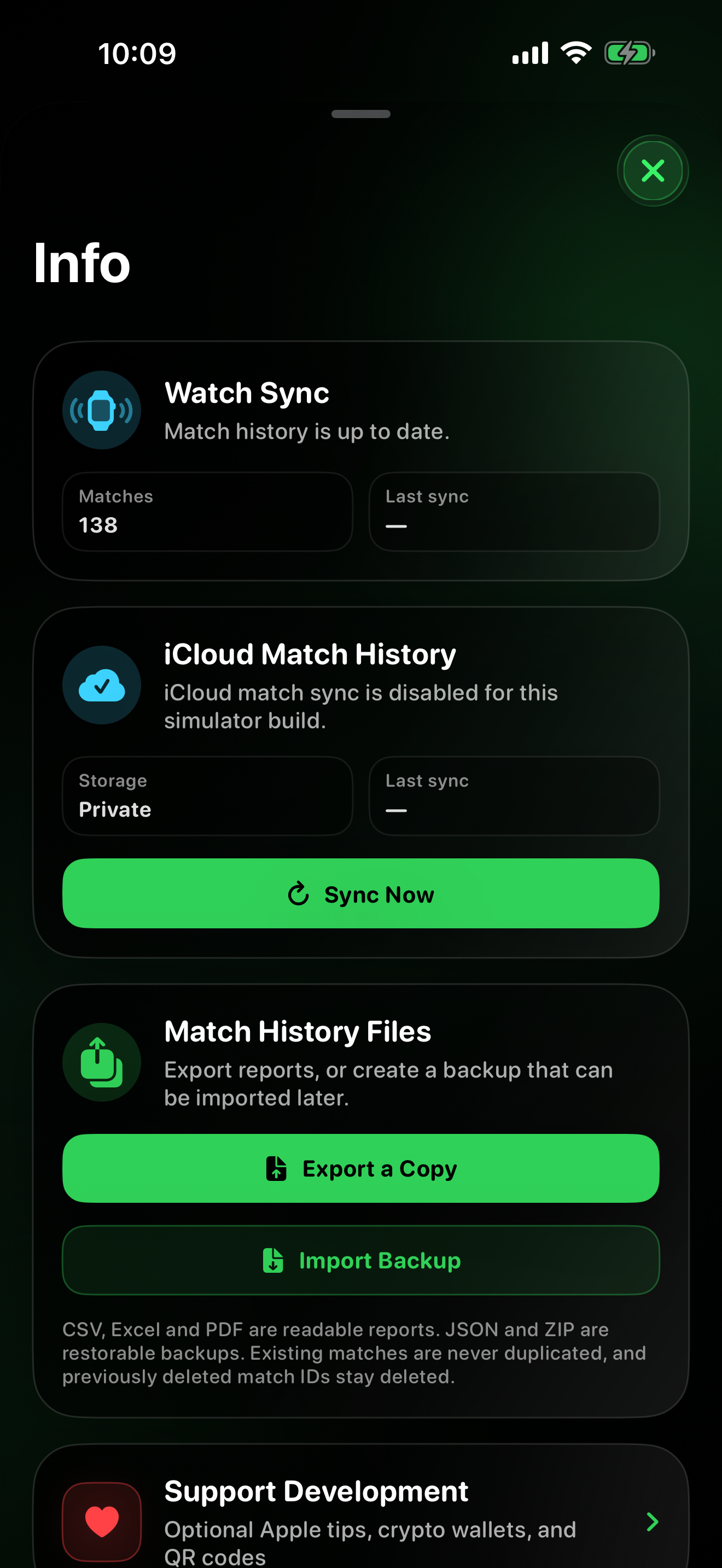
Match history stays local on your device. Health access is optional and used only for workout recording and heart-rate related workout details.
Choose Singles or Doubles, select Best of 3 or Best of 5, choose the set rule, pick the first server manually or with coin toss, optionally enable Record Workout, then start scoring.
Enable Record Workout during setup. If you grant Apple Health permission, the match can be recorded as a tennis workout and saved to Apple Health.
Live heart rate is shown during recorded workouts when Apple Health permission is granted and heart rate data is available from Apple Watch.
During a live match, Menu gives access to actions such as Switch Server, stopping an unfinished match, opening history, or starting a new match.
Undo reverses the last scored point and restores the previous match state, including points, games, sets, server, serve position, tie-break state, and automatic stats counters.
When you serve, the tennis ball highlights the side you should serve from. When the opponent serves, it highlights the opponent’s serve side from your watch view.
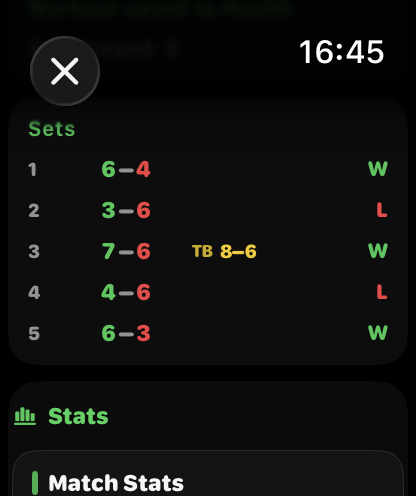
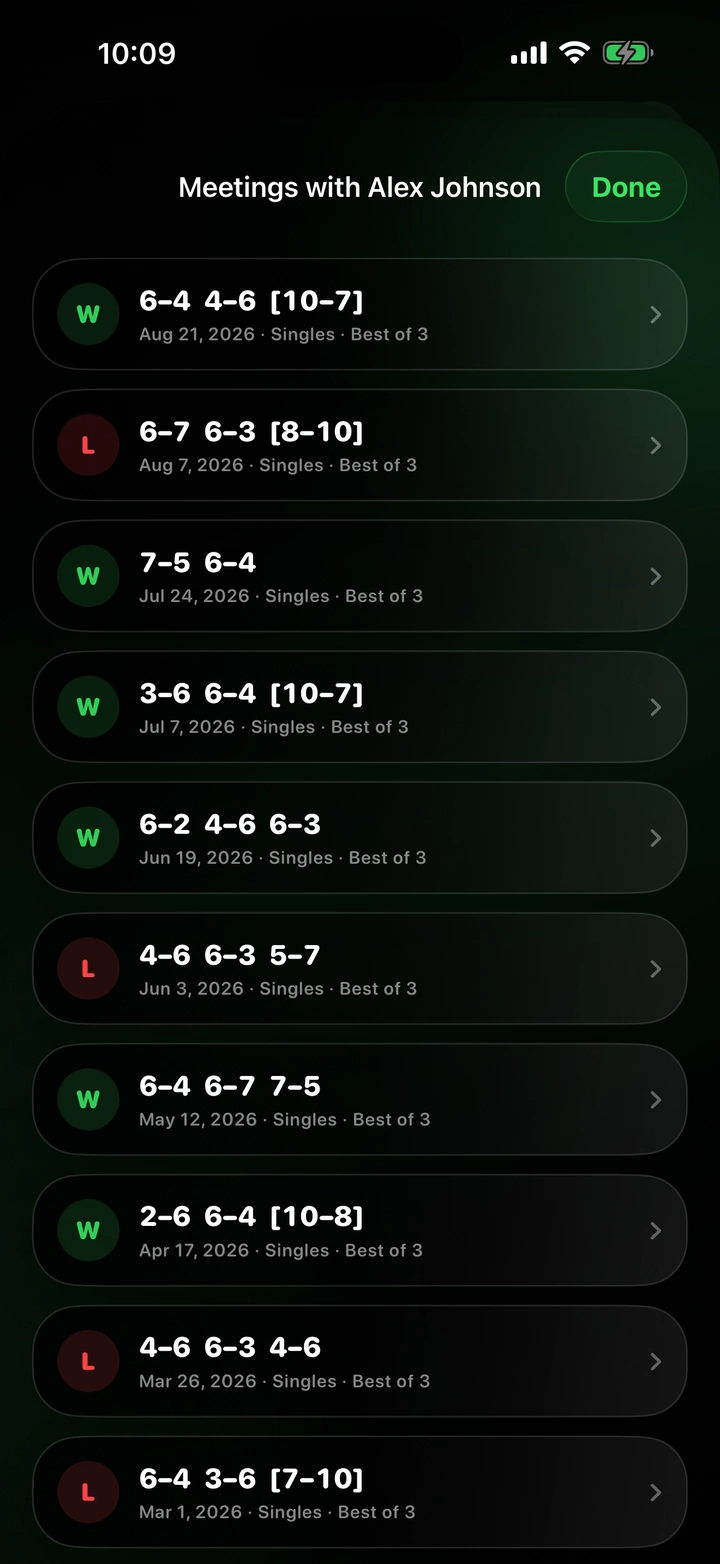
Saved matches use compact tennis notation so results and stats stay readable on Apple Watch.
Win means you won the completed match by sets. Loss means the opponent won the completed match by sets.
Stopped means the match was saved before normal completion. The app keeps the real match context, including sets, games, duration, points, and stats collected so far.
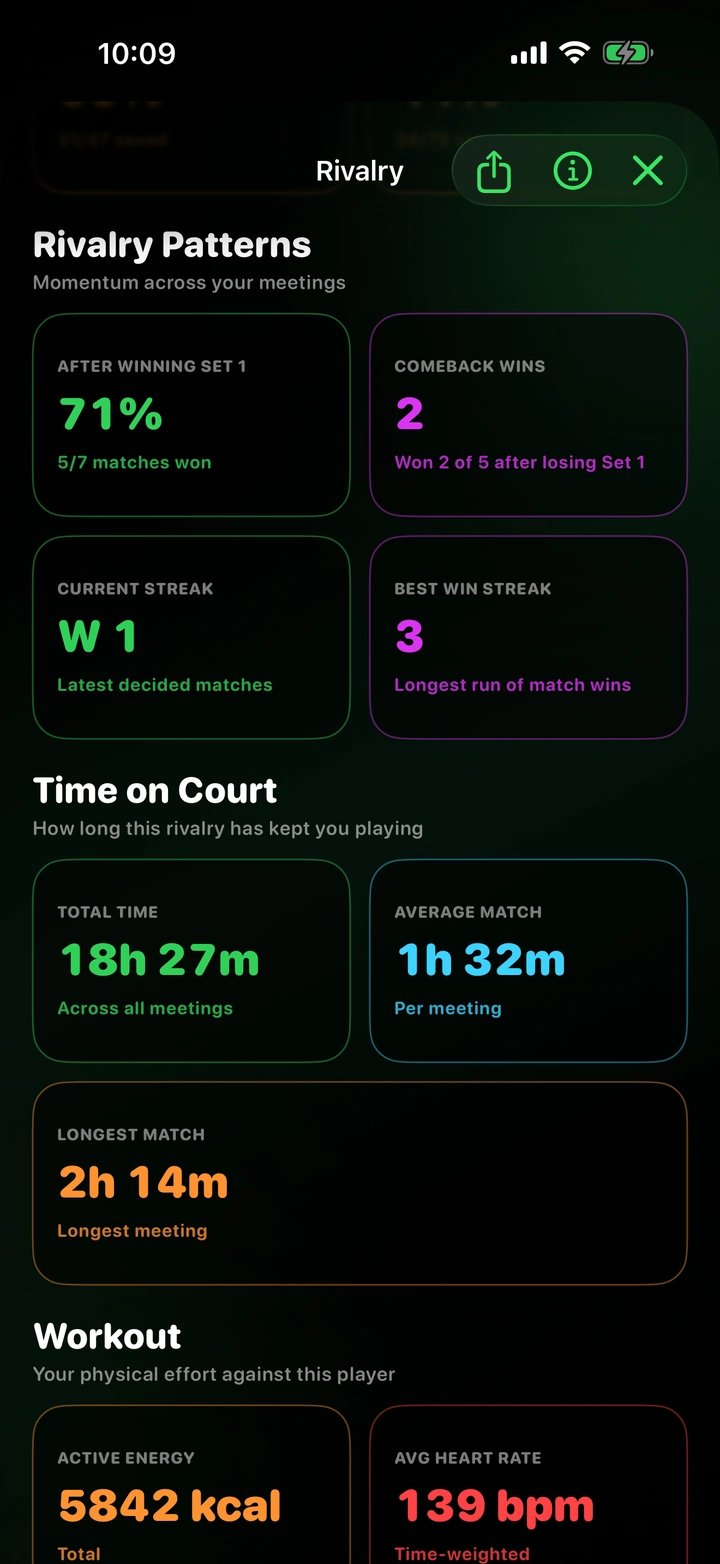
S1, S2, and S3 mean Set 1, Set 2, and Set 3. For example, S1 6–3 means the first set ended 6 games to 3.
TB shows the tie-break points inside a 7–6 set. For example, 7–6 · TB 7–3 means the set was won 7–6 and the tie-break points were 7–3.
If a stopped match has a clear set lead, history shows who was leading by sets. If sets are equal, the app compares games and then tie-break points where available.
For stopped matches, the current unfinished set is saved if it had progress, so history keeps the real match context, for example S3 0–1.
No. Match history is stored locally on your device. The app does not require an account and does not send your match history to a server.
No. Health access is optional. You can score tennis matches without recording a workout.
No. Stats are generated from normal scoring taps. The app does not ask you to enter aces, winners, unforced errors, or rally length.
Yes. The app supports singles, doubles, Best of 3, Best of 5, advantage sets, and tie-break sets.
Yes. Saved matches can be deleted from the history screen.
Match history is stored locally on your device. The app does not require an account and does not transmit, sell, or share personal data.
Apple Health access is optional and is used only to record tennis workouts and show live heart rate during recorded matches when permission is granted.
Contact: tennisscorewizard@gmail.com